 Notion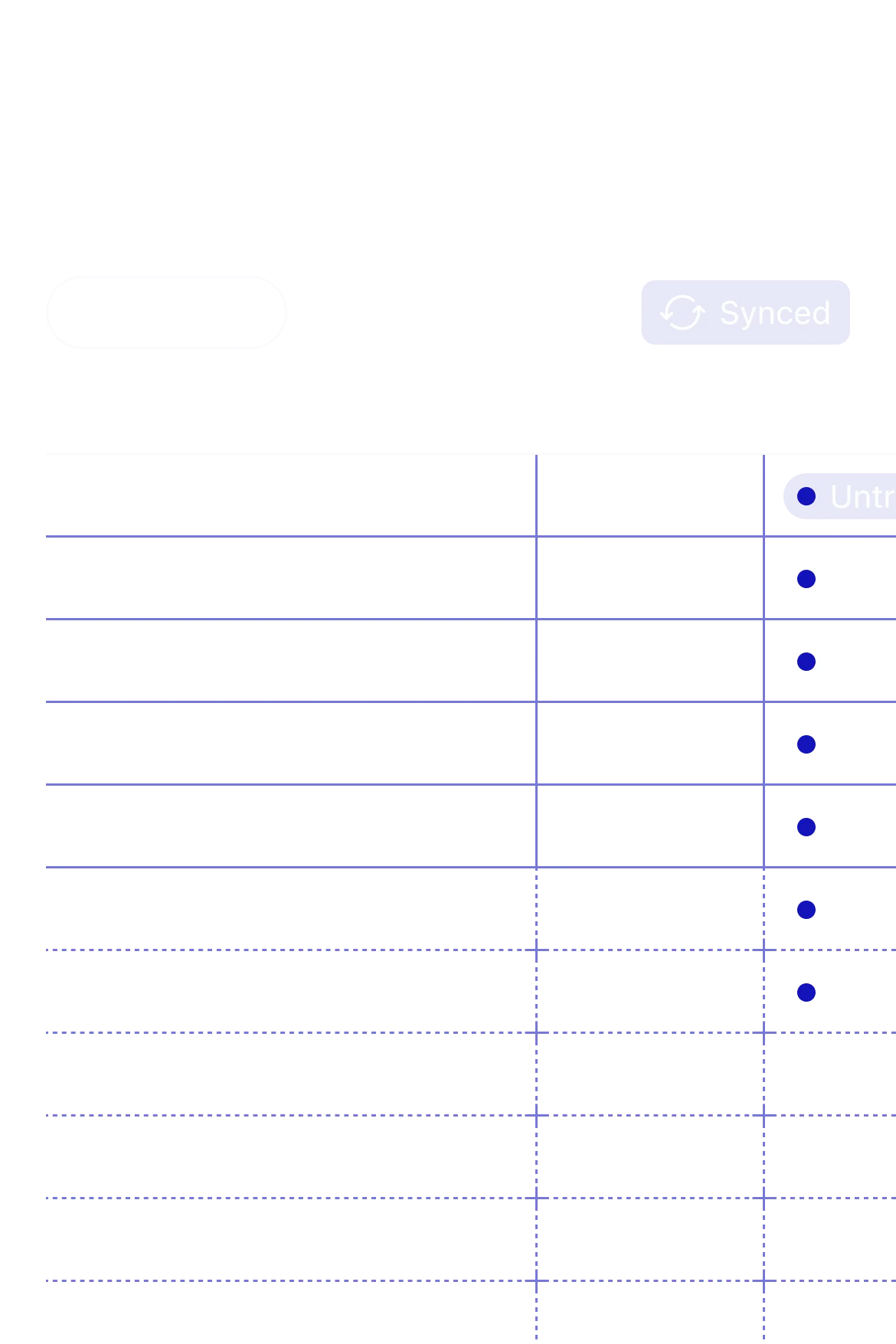
Notion announced on LinkedIn that users can now merge cells in tables, a feature that has been notably absent from the workspace platform since its launch.
The update allows users to combine adjacent cells, unmerge them, and even merge previously merged cells into larger groupings. This gives teams more control over how they structure and present information in Notion databases and simple tables.
Why This Matters
For a platform that positions itself as an all-in-one workspace, the inability to merge table cells has been a persistent pain point. Teams using Notion for project tracking, budget planning, or content calendars often needed workarounds to create the visual hierarchy that merged cells provide in traditional spreadsheet tools.
The feature addresses practical use cases: creating section headers in project timelines, grouping related data under shared labels, or building more sophisticated layouts for reports and dashboards. While Notion has invested heavily in AI capabilities with custom agents that can run any tool via Cloudflare Workers, this table update shows continued attention to core editing functionality.
How It Works
According to the announcement, the feature supports both merging and unmerging operations. Users can merge cells horizontally or vertically, then merge those grouped cells further into larger combined areas. The implementation appears straightforward, fitting into Notion's existing table editing interface without requiring new menus or complex workflows.
The update applies to both Notion databases, which power dynamic views and filtering, and simple table blocks used for static layouts. This distinction matters because Notion's database tables have additional constraints around property types and formulas that don't apply to basic tables.
Part of Broader Table Improvements
Notion has been steadily refining its table capabilities over the past year. The company launched a Developer Platform that includes Workers for syncing external data into Notion databases, positioning tables as a central hub for operational data.
This cell merging feature is more foundational, targeting everyday users who need better formatting options rather than developers building integrations. It reflects a dual strategy: advancing AI and automation while ensuring the core editing experience keeps pace with user expectations set by tools like Airtable and Google Forms.
The rollout appears to be live across all Notion workspaces. Users can access the merge functionality through table cell context menus or keyboard shortcuts, though Notion has not published detailed documentation on the feature yet.
For teams that have long requested this capability, the update eliminates a notable gap in Notion's table editing toolkit. Whether it meaningfully shifts usage patterns or simply removes friction depends on how well it integrates with existing workflows, but the feature delivery itself marks another step in Notion's evolution from flexible document editor to comprehensive work platform.
Sources
1 checkedHow we cover tool news: Create With's tool desk drafts these reports with AI from the sources listed above and checks them against those sources before publishing.




 Zapier

 Supabase