 Notion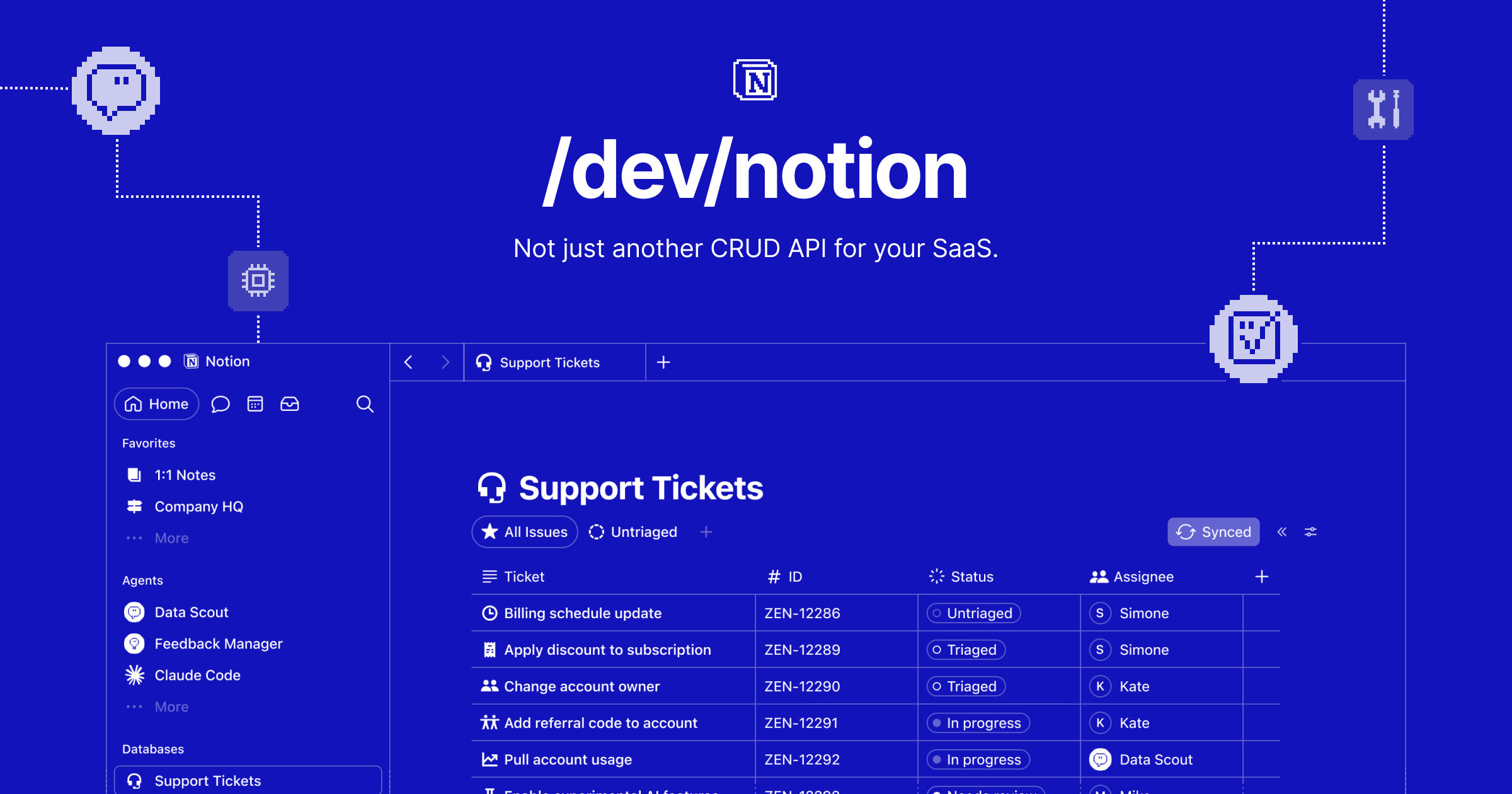
Notion’s synced databases now bring live data from GitHub, Jira and Salesforce into a workspace. Teams can add their own properties, connect the data to projects, trigger automations and give Notion Agents access to the same context.
The feature has been rebuilt from the ground up, according to the LinkedIn post. The result is a database that contains current records from an external work system while still supporting Notion’s own project structure and workflow tools.
That gives people and agents one place to work with operational data. A project page can sit alongside the relevant Jira work, GitHub activity or Salesforce records, rather than keeping the project context and source data in separate views.
What Notion synced databases now do
The rebuilt feature starts with data held in one of the three named source systems. That data appears inside Notion as a database, where it can be organised with additional properties and connected to the rest of a workspace.
The announcement describes five parts of the workflow:
| Capability | What changes inside Notion |
|---|---|
| External data | Live GitHub, Jira and Salesforce data appears in a Notion database |
| Custom structure | Teams can add properties to organise the synced records |
| Project context | The database can be linked to existing projects |
| Automations | Synced data can be used to fire off automations |
| Agent access | Notion Agents can work with the database context |
These parts can be combined in one database. A team could bring in Salesforce data, add internal project properties and connect the records to delivery work. GitHub or Jira data could sit beside project plans and feed an automation when the relevant conditions are met.
The source records remain recognisable as operational data from GitHub, Jira or Salesforce. Notion then supplies the extra workspace layer: properties, project links, workflow automation and access for agents.
One Context for Projects, Automations and Agents
The update connects two types of context that often sit apart. GitHub, Jira and Salesforce hold live operational records. Notion holds project documents, databases and other workspace material.
Synced databases bring those records into the same workspace used for project planning. Teams can then add the properties they need for their own process. They can also link the database to projects instead of treating it as an isolated external feed.
Automations can act on that database, while Notion Agents can receive it as context. This means the database can support both a workflow action and an agent task without creating a separate copy for each one.
The announcement does not present agents as a replacement for the source systems. It describes synced data being handed to agents after it has entered Notion and been connected to the team’s own workspace structure.
Native Syncs and the Developer Platform
The rebuilt synced databases cover three named systems. Notion’s Developer Platform provides a separate route for teams that need to bring in another data source.
Its Workers feature can continuously upsert external records into a managed Notion database. Developers define a declarative schema and use a persistent cursor to track the sync. The published example brings Zendesk tickets into a database on a five-minute schedule, including fields for customer satisfaction scores and feature tags.
| Route | Data sources | Set-up | Result |
|---|---|---|---|
| Rebuilt synced databases | GitHub, Jira and Salesforce | Connect a supported source in Notion | Live data that can use properties, projects, automations and agents |
| Developer Platform Workers | External sources selected by the developer | Define a Worker, schema, schedule and record changes | Continuously upserted records in a managed Notion database |
The Developer Platform also supports custom tools for Notion Agents. Those tools can query live data, call an API and generate assets from workspace material. This sits alongside synced databases rather than changing the three integrations named in the update.

For builders, the two routes cover different jobs. The rebuilt feature provides direct connections for GitHub, Jira and Salesforce. Workers provide the programmable route for another source, with the developer defining the database schema and synchronisation process.
Frequently asked questions
What are Notion synced databases?
Notion synced databases bring live records from an external work system into a Notion database. The rebuilt version supports GitHub, Jira and Salesforce data, with custom properties, project links, automations and access for Notion Agents.
Which data sources work with synced databases?
The update names GitHub, Jira and Salesforce. Data from these systems can be brought into Notion and connected to the workspace’s projects and workflows.
Can Notion Agents use synced database data?
Yes. The announcement says teams can hand a synced database to their agents, allowing the agents to work with the same context as the team.
How do synced databases compare with Notion Workers?
Synced databases provide connections for GitHub, Jira and Salesforce. Developer Platform Workers let developers continuously upsert records from other external sources using a schema, schedule and persistent cursor.
Sources
4 checkedHow we cover tool news: Create With's tool desk drafts these reports with AI from the sources listed above and checks them against those sources before publishing.



 Supabase
 Jotform
 Gemini
 Figma
Figma

 Vercel