 Jotform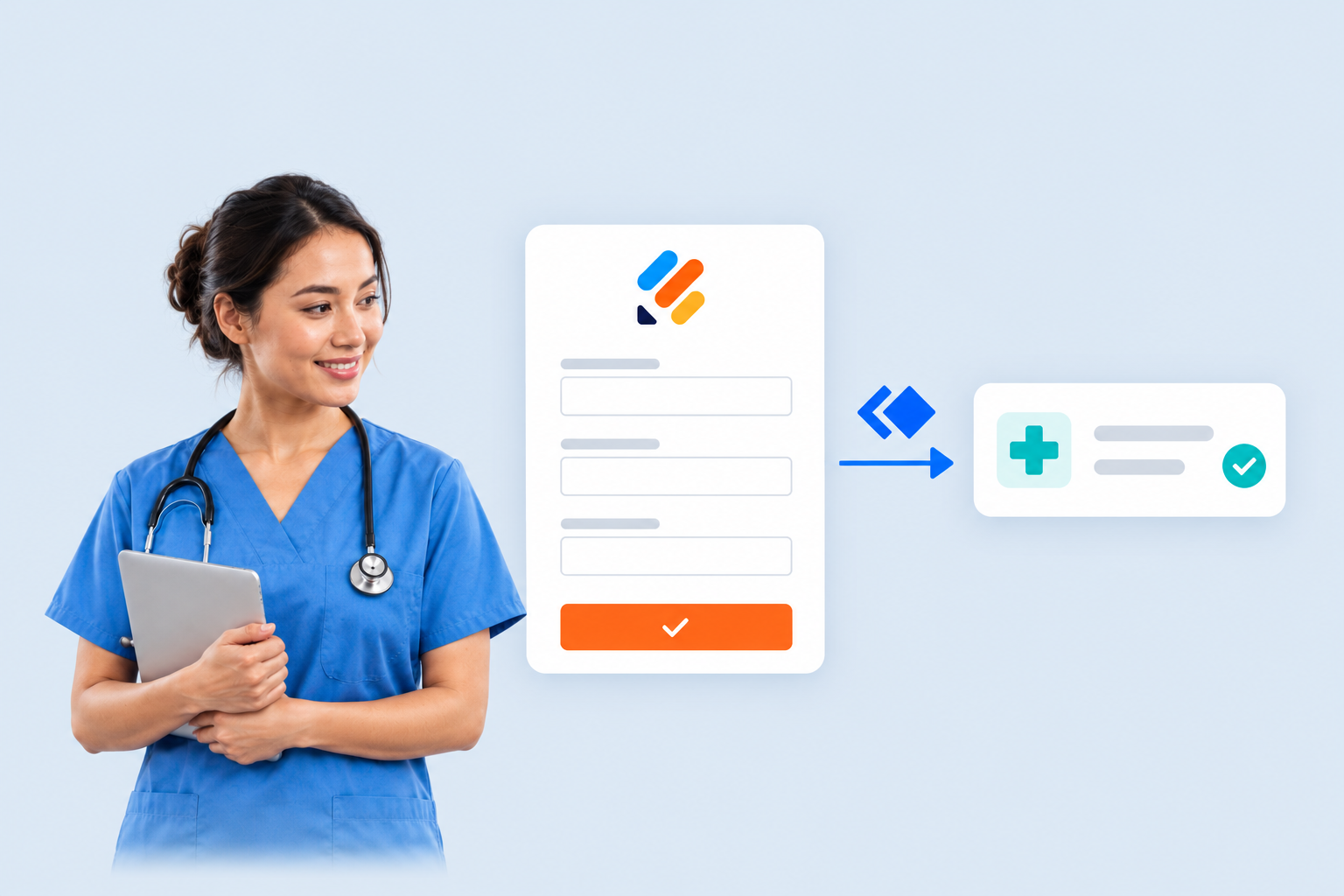
Jotform Enterprise + Keragon connects form submissions to electronic health record workflows. Healthcare teams can automatically route patient data to the right system, update records, schedule care and notify staff after a patient submits a form.
The Jotform blog post positions the integration around the work that follows data collection. Instead of treating a completed form as the end of the process, teams can use it to start the next operational steps.
This reduces the need to copy patient information between forms and healthcare systems manually. It also addresses the errors that can arise when staff repeatedly re-enter the same information.
How Jotform Enterprise + Keragon Handles Submissions
The integration covers several parts of a post-submission workflow. Patient information collected through a form can be sent to the appropriate system. Existing records can then be updated, care can be scheduled and relevant staff can be notified.
A connected workflow can follow this sequence:
- 1
Collect patient information
receive the completed Jotform submission
- 2
Route the data
send the information to the appropriate healthcare system
- 3
Continue the workflow
update records or schedule care
- 4
Notify staff
alert the relevant team members
The connection is designed for healthcare teams using Jotform Enterprise and EHR platforms. Keragon provides the connection between the form submission and the downstream healthcare workflow, so the data can continue moving after collection without a separate manual handoff.
The release also follows Jotform Website Widgets for Healthcare, which brought appointment requests, patient intake forms and other Jotform workflows into practice websites.
From Form Collection to Healthcare Operations
The update focuses on the gap between collecting patient details and acting on them. A submission can now feed into record management, care scheduling and staff communication rather than remaining an isolated form response.
That gives healthcare organisations a connected route from patient input to internal action. The integration covers both data movement and operational tasks, including notifications that tell staff when a submission needs attention.
Frequently asked questions
What is Jotform Enterprise + Keragon?
It is an integration that connects healthcare form submissions with electronic health record workflows. It can route patient data, update records, schedule care and notify staff after a form is submitted.
Which Jotform plan includes the Keragon integration?
The announcement presents the integration as a Jotform Enterprise feature. The post does not list pricing or setup requirements.
What can the Keragon integration automate?
It can automate post-submission work involving patient data. The listed actions include routing information to the correct system, updating records, scheduling care and notifying staff.
Sources
3 checkedHow we cover tool news: Create With's tool desk drafts these reports with AI from the sources listed above and checks them against those sources before publishing.

 Supabase
 Gemini
 Figma
Figma
 Vercel