 Netlify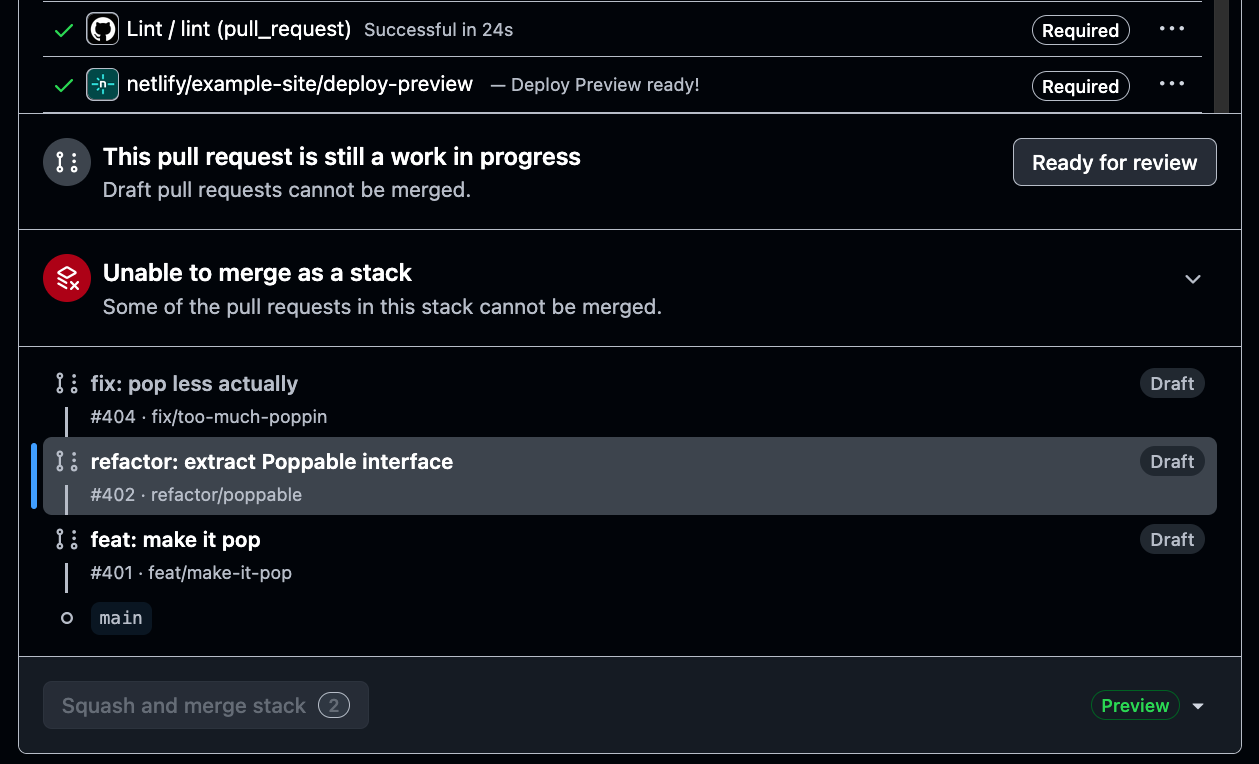
Netlify is closing a significant visibility gap in GitHub’s emerging stacked pull request workflow. With Deploy Previews for stacked pull requests, every eligible pull request in a stack now receives its own live preview URL, rather than leaving reviewers to assess later steps from code diffs alone.
The deployment company detailed the change in its official changelog on August 27, before highlighting the workflow in a LinkedIn announcement. There is nothing new for teams to configure. Developers create and update their stack in GitHub as usual, while Netlify automatically generates the previews.
Fixing the missing preview problem
Stacked pull requests divide a large update into a sequence of smaller, connected pull requests. Each step can focus on a distinct part of the work, making the code easier to review and allowing the changes to merge in order. GitHub moved stacked pull requests into public preview at the end of July 2026.
Netlify already supported Deploy Previews for pull requests, but its previous behaviour did not map cleanly to a stack. Only the first pull request received a preview. Anyone reviewing a later step could inspect its diff, but could not open a corresponding deployed version to see how that layer of the project looked or behaved.
The update gives every pull request in an eligible stack an individual Deploy Preview. A developer can now direct a reviewer to the precise stage that needs attention. The same link can be shared with a designer, product manager or client, giving non-technical stakeholders something tangible to assess before any part of the stack reaches production.
This matters because code review and product review are not the same thing. A smaller diff can make implementation details easier to understand, but visual changes, interaction issues and content problems are often more apparent in a working deployment. Per-step previews bring those two forms of review closer together.
Eligibility and practical impact
There is one important condition: the stack must ultimately target the project’s production branch, usually main. When that requirement is met, Netlify says it will add a Deploy Preview to every pull request in the chain automatically.
For small product teams, the resulting workflow is straightforward:
- Split a larger change into connected pull requests in GitHub.
- Keep each pull request focused on one stage of the work.
- Open the Netlify preview attached to the relevant step.
- Share that URL with the person responsible for reviewing it.
- Merge the stack in sequence after approval.
The change should be particularly useful for redesigns, multi-stage feature work and updates that combine frontend, content and backend changes. A designer could inspect the visual layer without waiting for the entire feature, while a product manager could validate a later interaction before earlier pull requests merge.
It also fits Netlify’s broader effort to add earlier feedback to development workflows. The company recently introduced clarifying questions for Agent Runners, helping automated builders resolve uncertainty before making changes. Stacked pull request previews address a different part of the process, but the principle is similar: surface problems before they reach production, when they are generally easier to correct.
Netlify has not described the update as a replacement for code review, automated testing or staging environments. Instead, it fills a narrower gap created by stacked development. Each layer can now be reviewed as both code and a running web experience, without requiring teams to change how they manage the stack in GitHub.
Frequently asked questions
What is Netlify Deploy Previews for stacked pull requests?
It is a Netlify feature that creates a separate live preview for every eligible pull request in a connected GitHub stack. Reviewers and stakeholders can open the exact stage of a larger change before it merges.
Which stacked pull requests receive previews?
Netlify says every pull request in a GitHub stack receives a Deploy Preview when the stack ultimately targets the project’s production branch, typically main.
Does the feature require additional configuration?
No. Teams can continue creating and updating stacked pull requests in GitHub as usual. Netlify automatically adds Deploy Previews to eligible pull requests.
Sources
1 checkedHow we cover tool news: Create With's tool desk drafts these reports with AI from the sources listed above and checks them against those sources before publishing.


 Supabase

