 Zapier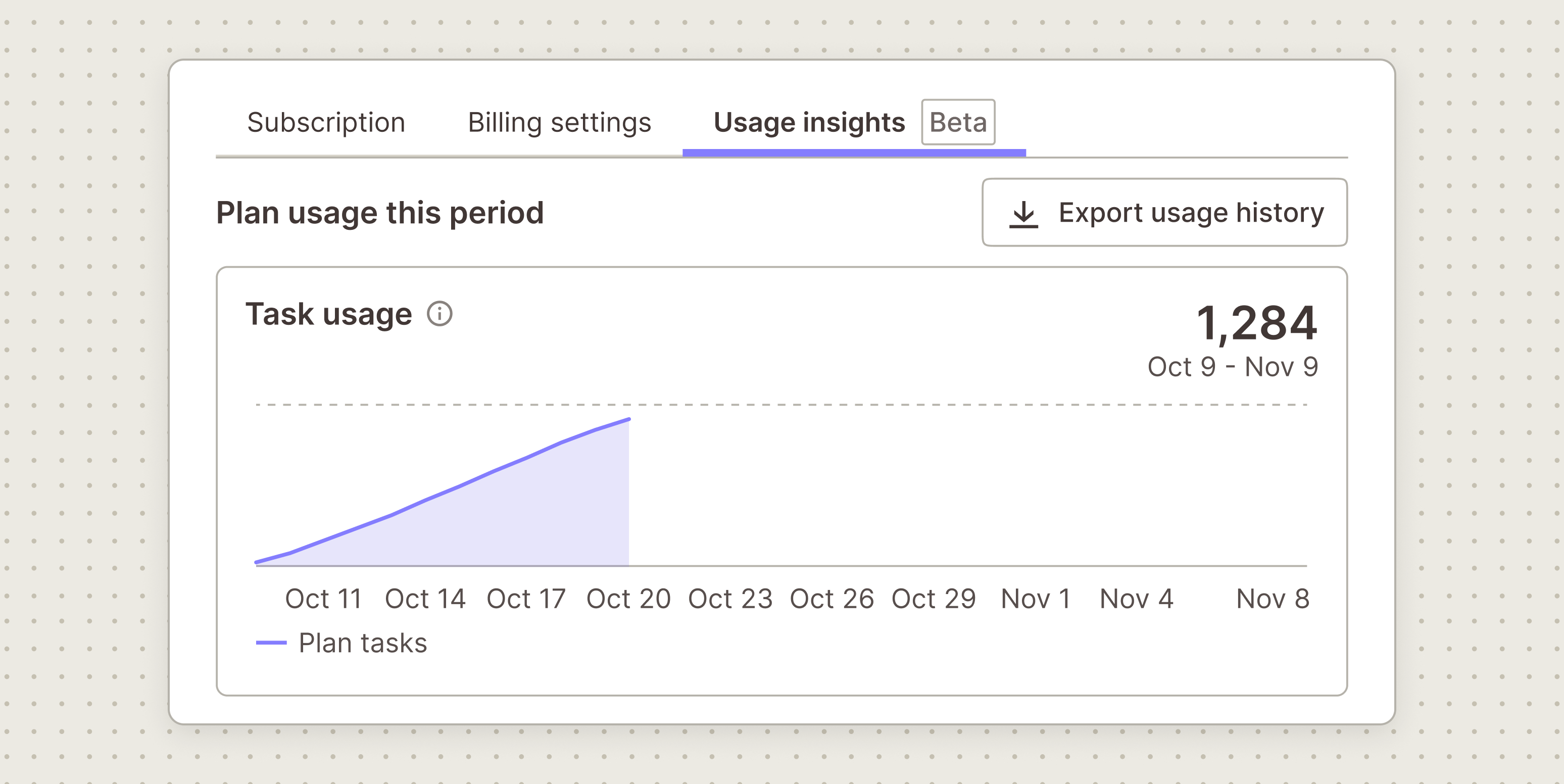
Working out whether your Zapier plan still fits means looking past the billing period you're in right now. The current Usage insights tab only shows where you stand today, which makes it hard to spot a pattern of running close to your limit or sitting well under it. Zapier has fixed that gap with a new export, detailed in a changelog post.
You can now export up to your last 12 completed billing periods of task usage as a CSV directly from the Usage insights tab. Each row pairs the tasks you used in that period with your plan's task limit, so a glance down the file shows which months ran close and which had room to spare. The feature is in open beta.
What's in the file
Each row covers one billing period, with columns for the period's start and end dates, the number of days in that period, your plan, tasks used, and your task limit. A days_in_usage column accounts for any period that ran short because your plan changed partway through, so a 12-day stretch doesn't look like a quiet month when it was actually a partial one.
Sharing it outside Zapier
The CSV gives whoever manages your software budget the raw task numbers without needing a Zapier login. It shows task counts only, no pricing, and the totals cover the whole account rather than a single user. Worth knowing before you hand it over: the figures can differ slightly from your invoice, because the export counts whole days in UTC and shows usage before any task credits are applied.
Load 12 periods into a spreadsheet and a busy quarter or a quiet stretch shows up as an obvious pattern, which is a faster way to spot trends than clicking through each period one at a time in the dashboard.
Frequently asked questions
What is the Zapier usage history export? It's a CSV you can download from the Usage insights tab that lists your task usage against your plan's task limit for each of your last 12 completed billing periods, making it easier to see whether your current plan still fits.
Is the usage history export free? The source does not mention a separate charge for the export itself; it is described as a new capability within the existing Usage insights tab, now in open beta.
How does the CSV compare with my Zapier invoice? The numbers can differ slightly from your invoice because the export counts whole days in UTC and reflects usage before any task credits are applied, so treat it as a trend view rather than a billing record.
Sources
3 checkedHow we cover tool news: Create With's tool desk drafts these reports with AI from the sources listed above and checks them against those sources before publishing.







 Stripe
 Supabase