 Notion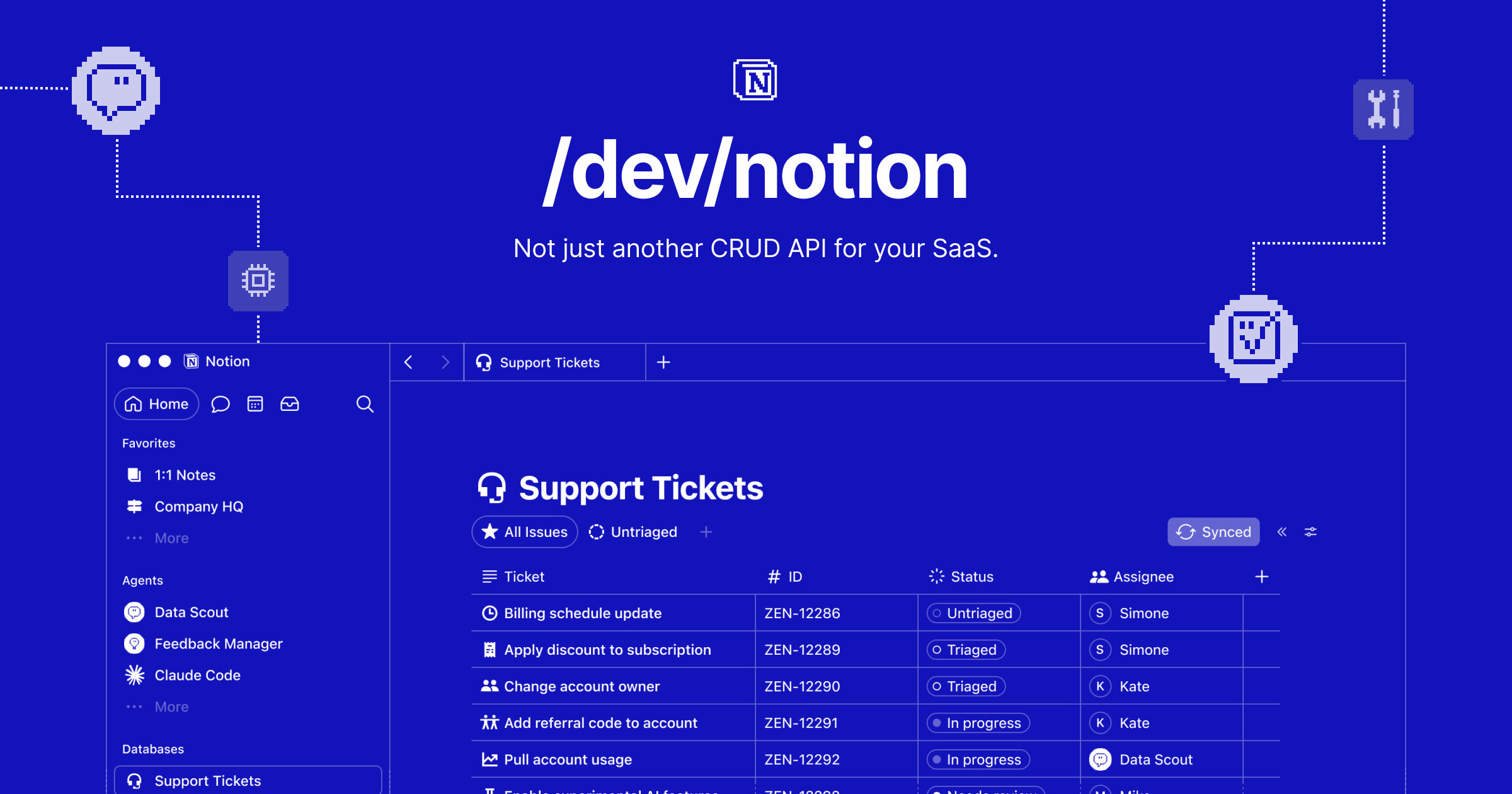
Notion is opening its Custom Agents to software beyond its own workspace. The company has launched the Custom Agents API in public beta, giving developers a way to trigger agents from external apps, continue agent conversations, and build internal tools for monitoring usage and controlling access.
The update, announced on LinkedIn, moves Custom Agents closer to becoming programmable infrastructure rather than features that must be operated manually inside Notion. For small businesses and internal tooling teams, that could make it easier to connect agents with forms, customer support systems, approval flows, and NoCode automation platforms.
Agents can now operate beyond Notion
The public beta includes the Notion Agent SDK, which exposes two central capabilities. Developers can let users chat with a Custom Agent and review previous chats, or trigger an agent from an application or workflow outside Notion.
That second capability is the more consequential change. A team could, for example, call a Custom Agent when a new customer request arrives, when a project changes status, or when an internal form is submitted. The announcement does not list packaged integrations, but API access creates a path for connecting agents to products such as Zapier, Make, or n8n through custom API requests and developer-built connectors.
The SDK’s support for chat history also means a team does not necessarily have to recreate the full agent experience inside Notion. Developers can build a focused interface for a particular department or client while preserving access to earlier conversations.

This release follows Notion’s broader effort to make agent features more programmable. The company had already introduced agent automation and API access, as previously covered by Create With. Its Developer Platform also supports custom tools that allow Notion Agents to generate assets, query live data, and call external APIs.
Monitoring and limits get their own API
Deploying agents across workflows creates a less visible problem: oversight. If an agent can run without someone opening Notion, administrators need a way to see how often it runs and how much capacity it consumes.
The accompanying Custom Agents Insights API is designed for that operational layer. According to Notion, teams can use it to build dashboards that:
- Track credits consumed and agent runs completed
- Set credit limits
- Enable or disable agents
- Archive agents that are no longer needed
Those controls should be particularly useful when multiple departments or client accounts share a workspace. A central dashboard could show which agents are consuming the most credits, while limits could prevent an automated process from using an unrestricted allocation.
Notion is providing the management data and controls through an API rather than prescribing one dashboard design. That gives developers flexibility, but it also means teams may need to build the administrative interface themselves or wait for third-party tools to adopt the beta.
The announcement does not specify pricing, plan requirements, rate limits, or a date for general availability. Teams considering production use should therefore treat the API as beta infrastructure and check Notion’s developer documentation for current authentication requirements and limitations before connecting it to business-critical processes.
Frequently asked questions
What is Notion Custom Agents API?
Notion Custom Agents API is a public-beta developer interface for bringing Custom Agents into external applications and workflows. Through the Notion Agent SDK, developers can support agent conversations, retrieve previous chats, and trigger agents outside Notion.
What can teams monitor with the Custom Agents Insights API?
Teams can track credits used and completed runs, set credit limits, and manage whether agents are enabled, disabled, or archived. The API can be used to build a custom operational dashboard rather than relying solely on controls inside Notion.
How much does the Custom Agents API cost?
Notion’s announcement does not provide pricing or identify which subscription plans include access. The feature is currently described as a public beta, so teams should consult Notion’s current developer documentation before planning a production deployment.
Sources
1 checkedHow we cover tool news: Create With's tool desk drafts these reports with AI from the sources listed above and checks them against those sources before publishing.








 ElevenLabs