 Noloco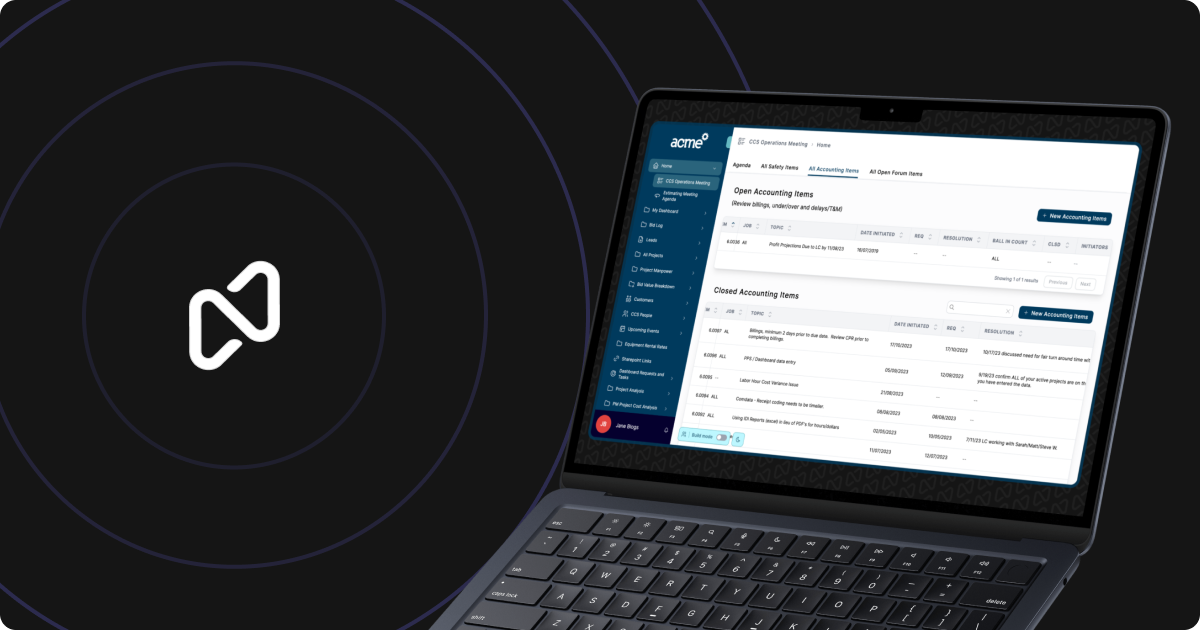
Noloco has added a two-phase workflow to its AI assistant, Nola, that separates planning from execution when users modify their apps with natural language.
The update introduces Ask Mode and Build Mode. In Ask Mode, Nola behaves like a consultant: it asks clarifying questions, helps users define the desired outcome, and confirms the plan before touching any part of the app. Once the user approves, Build Mode takes over and implements the changes automatically. The company announced the feature on LinkedIn earlier this week.
The approach addresses a common frustration with AI code generation tools: when an assistant jumps straight into building, it can misinterpret vague requests or make unwanted changes that require manual rollback. By splitting the process, Noloco aims to give users confidence in what will happen before it happens.
How the Two Modes Work
Ask Mode handles the discovery phase. A user might tell Nola, "I need a way to track client invoices," and instead of immediately generating tables and workflows, Nola will respond with follow-up questions: Should the invoices link to existing client records? Do you need automatic payment reminders? Should the app calculate totals or pull them from a data source?
This back-and-forth continues until Nola has a clear plan, which it presents to the user in plain language. If the plan looks right, the user switches to Build Mode, where Nola executes the agreed changes without further input. If something is off, the user can refine the request in Ask Mode before any code is written.
The feature builds on Noloco's existing AI assistant, Nola, which the company introduced earlier this year to help agencies build client portals and internal tools faster. Nola already handled tasks like generating workflows and modifying app layouts, but it operated in a single mode where planning and building happened together.
Why Separating Planning From Execution Matters
AI assistants in app builders face a trust problem. Tools like Bubble, Glide, and Softr let users describe what they want, but the more complex the request, the higher the chance the AI will guess wrong. A user might ask for "a dashboard with sales metrics," and the AI might create a chart that pulls the wrong data field or formats numbers as text.
Noloco's two-mode system attempts to solve this by making the AI's interpretation visible before it becomes permanent. In Ask Mode, users can catch misunderstandings early. In Build Mode, the AI executes a vetted plan, which should reduce the need for trial-and-error fixes.
This mirrors a broader trend in AI tooling: separating generation from confirmation. Cursor and other AI coding assistants let developers review diffs before accepting changes. ChatGPT and Claude increasingly support multi-turn planning conversations before outputting final code. Noloco is applying the same principle to no-code app development.
What This Means for Noloco Users
The update is live for all Noloco users. Agencies building client portals or internal tools can now use Ask Mode to prototype app features with less risk of generating broken or unwanted components. The workflow is particularly useful for non-technical users who need to communicate requirements to the AI without knowing the underlying data model or app architecture.
Noloco has been adding features aimed at professional services firms and agencies, including native time tracking and record history tracking. The Ask and Build Mode split fits that trajectory by giving teams more control over how AI changes their apps, which matters when those apps are client-facing or handle sensitive business data.
The feature does not change Noloco's pricing or require a separate subscription. Users access both modes through the same Nola interface they have been using.
Sources
1 checkedHow we cover tool news: Create With's tool desk drafts these reports with AI from the sources listed above and checks them against those sources before publishing.



 Supabase

