 Noloco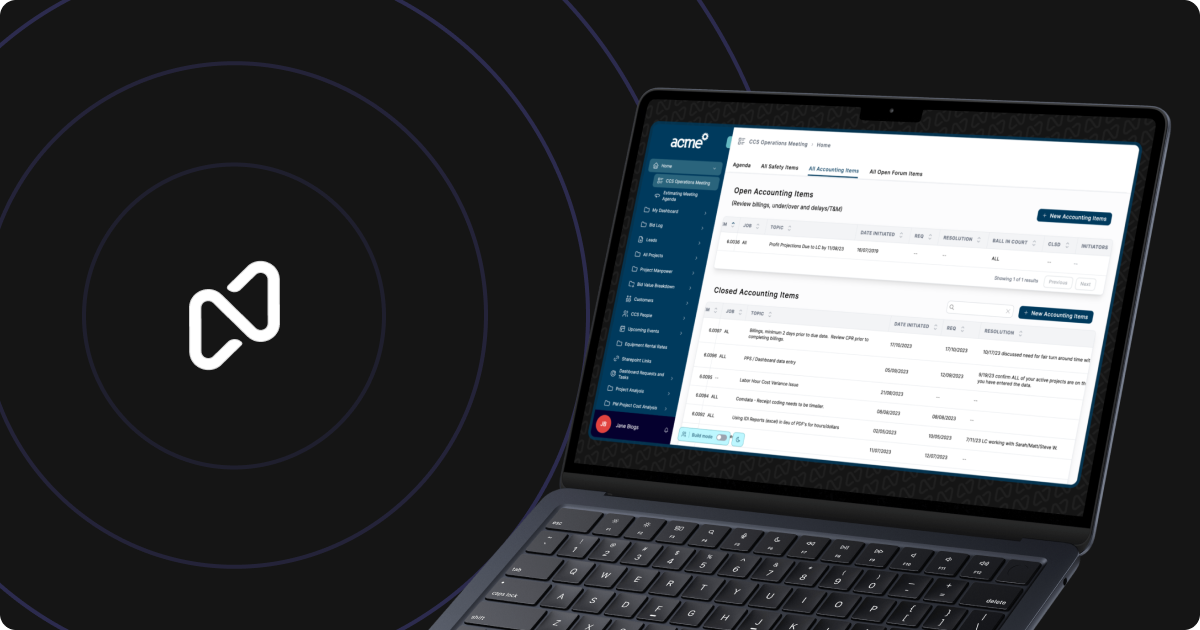
Noloco’s Share button puts app links, email invitations and role-specific access controls in one place. It sits beside the Publish button in the app builder, giving builders a single route for sharing an app with team members, clients and partners.
The update covers four tasks: copying the app URL, inviting someone by email, creating an invite link for a particular role and restricting that link to a particular email domain. Noloco introduced the feature in a LinkedIn post.
What the Share button brings together
Opening Share gives builders several ways to distribute an app, depending on who needs access and which role they should receive.
| Sharing option | What it does | Example |
|---|---|---|
| Copy app URL | Copies the app’s address | Send an existing user directly to the app |
| Invite by email | Sends access to a named person | Bring a new teammate into the app |
| Role-specific invite link | Assigns a particular role through the link | Create a separate invitation route for clients |
| Email-domain restriction | Limits an invite link to one domain | Restrict access to addresses from an organisation |
Role-specific links let builders prepare different invitation routes for different groups. A client can receive a link intended for the client role, while a new team member can be invited separately. The app’s access setup then controls which data those roles can see.
The email-domain restriction adds another condition to a shareable invite link. It can be used when access should be limited to people using addresses from a particular organisation, rather than anyone who obtains the link.
Sharing Apps With Clients and Teams
The Share button places distribution controls beside publishing inside the builder. Builders can copy the general URL for people who already have access, send direct email invitations for named users or prepare links for a defined role.
This extends the path from building an app to distributing it. Noloco has also introduced Canvas for turning existing business data into AI-built apps; the Share button covers how those apps can be handed to the people who need them.
Frequently asked questions
What is Noloco Share button?
The Share button is a control beside Publish in the app builder. It lets builders copy an app URL, invite people by email and create role-specific invitation links from one place.
Can Noloco invite links be limited by role and email domain?
Yes. An invite link can be created for a specific role and restricted to a particular email domain.
Which Noloco plan includes Share button?
The LinkedIn post does not state which plans include the feature or whether its availability varies by plan.
Sources
4 checkedHow we cover tool news: Create With's tool desk drafts these reports with AI from the sources listed above and checks them against those sources before publishing.

 Supabase
 Jotform
 Gemini
 Figma
Figma
 Vercel