 v0
v0 Airtable
 Notion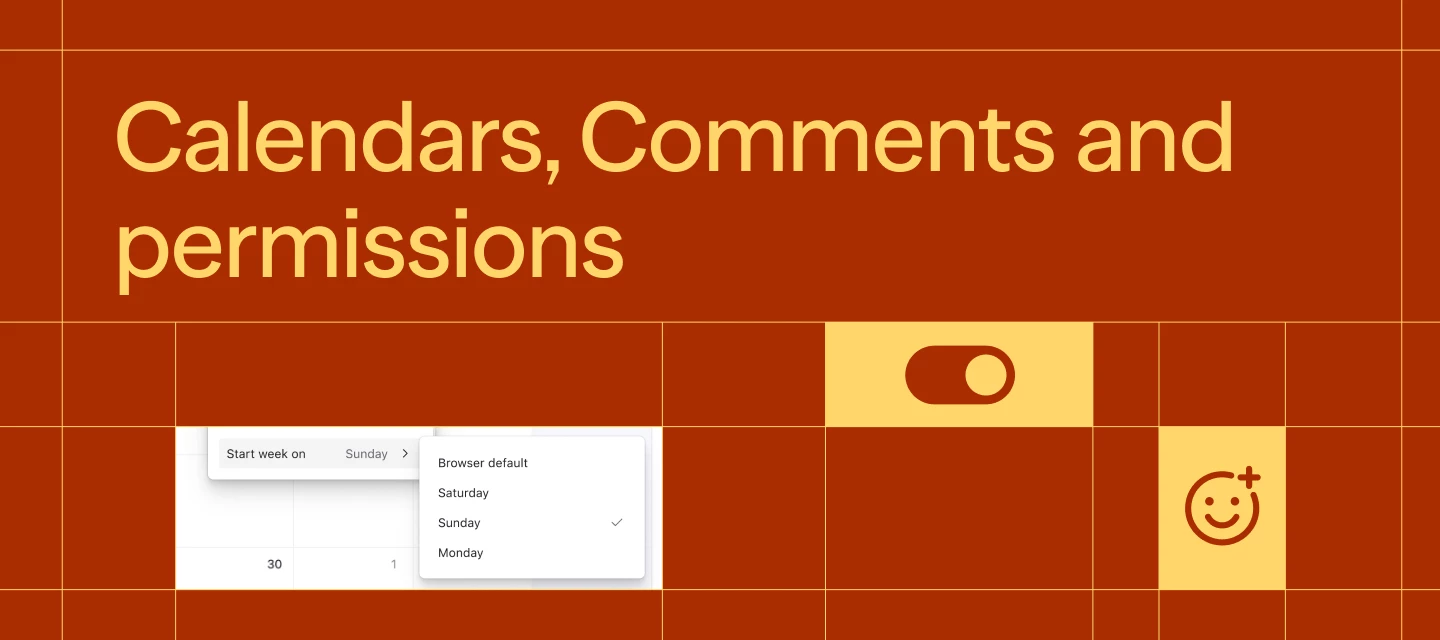
Team collaboration features have arrived across Airtable, v0 and Notion. The updates cover three different parts of shared work: controlling who can add or delete database records, building inside a teammate’s AI chat, and giving new workspace members a consistent starting sidebar.
Together, the releases put more team controls inside the tools where the work already happens. Admins can define clearer boundaries and defaults, while collaborators can share comments, chats and navigation without moving into a separate workspace.
| Tool | What changed | Availability / plan |
|---|---|---|
| Airtable | Separate Add and Delete permissions, permissions by list level, richer comments and calendar controls | Shipped 9 October 2026 |
| v0 | Teammate activity visibility, shared chats and collaborative building | Introduced |
| Notion | Default sidebar presets for new members, with personal customisation | Available |
Airtable
Airtable shipped 11 updates across calendars, comments and permissions, according to its Calendars, Comments and Permissions announcement. Admins can now grant Add and Delete record permissions separately in table-constrained interface layouts, allowing a collaborator to create records without also receiving permission to remove them. Permissions can also be configured for each level of a multi-level list instead of applying one creation setting across the whole page.
Comments now support bold text, italics and hyperlinks, along with direct links to individual comments and an emoji picker in the composer. Calendar settings have also become more flexible, including the option to start the week on Friday.
v0
v0 for teams adds shared visibility to its AI app-building workflow. The launch post says teammates can see what other people are working on, enter their chats and build together.
This brings team participation directly into the chat where an app is being created, rather than limiting each conversation to its original builder. The shared workflow joins existing v0 chat features such as Vercel integrations inside chat and the ability to choose an AI model.
Notion
Notion has added sidebar presets for workspace navigation. Workspace admins can set a default sidebar for new members, according to the LinkedIn announcement.
Every member can also add presets through the “+” menu and then customise their own sidebar. The admin-defined preset therefore provides a common starting structure, while individual members retain control over how their navigation is arranged.
Frequently asked questions
What is v0 for teams?
v0 for teams is a collaboration feature that lets teammates see each other’s work, enter shared chats and build together. It places team activity inside v0’s existing chat-based app-building workflow.
Which plans include these team collaboration features?
The Airtable, v0 and Notion announcements do not state pricing or plan requirements. Airtable describes its changes as shipped, v0 introduces its team feature, and Notion says sidebar presets are available.
How do Notion sidebar presets work?
Workspace admins set a default sidebar for new members. Members can add presets from the “+” menu and customise the sidebar after applying one.
Sources
4 checkedHow we cover tool news: Create With's tool desk drafts these reports with AI from the sources listed above and checks them against those sources before publishing.

 Supabase

 PostHog
 ElevenLabs
 Vercel