 Supabase
Supabase Compute lets builders run web services and agents beside their database, in any language, with a full Linux environment and no limit on how long they run. It is part of a wider code-first backend release covering local development, database schemas, project checks and MCP access.
The Supabase Select 2026 recap describes a workflow where application code, database schemas and project configuration live together in the repository. Coding agents can set up and change the backend, check a running project and report problems. The builder still decides what gets fixed and merged.
Supabase Compute Runs Beside the Database
Each Supabase Compute service runs next to its database. It receives a full Linux environment and the same default environment variables supplied to Supabase Edge Functions.
The runtime accepts web services and agents written in any language. Unlike a request-bound function, a Compute service has no limit on how long it can run. That supports processes that need to remain active rather than start for one request and then stop.
Access is currently controlled through a private alpha waitlist.
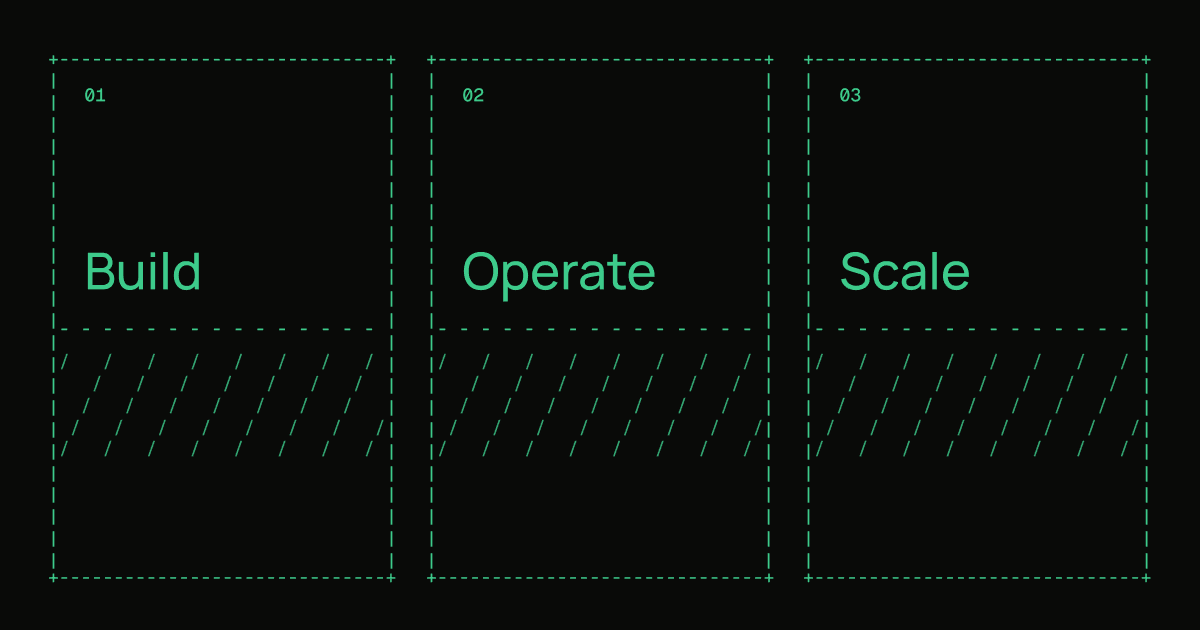
A builder with access would use the service through this broad sequence:
- 1
Join the waitlist
request access to the Supabase Compute private alpha
- 2
Choose the service
run a web service or agent in any language
- 3
Use the environment
access the full Linux environment and default Edge Functions variables
- 4
Run beside Postgres
keep the service close to the application database
The Backend Moves Into the Repository
Supabase Compute sits alongside changes intended to let coding agents work across more of the backend. Previously, an agent could write application code, but project setup, production checks and fixes still required work in the dashboard and documentation.
Declarative Schemas 2.0 moves the database definition into SQL files in the repository. Builders write the desired schema, then pg-delta generates the migration required to reach that state. Project settings can also live in code. If somebody makes a setting change in the dashboard, supabase config pull brings it back into the project file.
This follows Supabase from Code Moves Backend Setup Into Repositories, which covers the wider shift from dashboard-led setup to repository-managed configuration.
Local development is changing as well. Supabase can now run locally as native processes without a Docker daemon. That allows it to start inside environments such as Claude Code's sandbox.
Builders can run multiple local Supabase instances too, with one instance per directory. Several checkouts of the same repository can therefore run at the same time. Native local development is in alpha, switched off by default, and requires an updated Supabase CLI.
| Component | What changed | Availability |
|---|---|---|
| Supabase Compute | Runs services and agents beside the database with full Linux and no runtime limit | Private alpha waitlist |
| Local development | Runs as native processes without Docker and supports multiple directory-based instances | Alpha, off by default |
| Declarative Schemas 2.0 | Stores schemas as SQL files and generates migrations with pg-delta | Included in the code-first release |
| Project configuration | Pulls dashboard changes back into code with supabase config pull | Included in the code-first release |
Agents Can Check and Connect to Supabase Apps
The release also adds an MCP server block for applications. It lets an app's users connect their own agents while using the app's existing Supabase Auth and Row Level Security rules. Authentication and data access therefore continue through the controls already attached to the application.
This extends Supabase's MCP work beyond project administration and into apps built on the platform.
Supabase has also introduced agent prompts for project checks. The prompts cover health, security, performance and resource usage. An agent can inspect the project and report the issues it finds, while the builder chooses which fixes to apply and merge.
Together, the releases connect three parts of backend work. Schemas and settings can live in the repository. Agents can inspect the project and identify problems. Supabase Compute can host services and agents next to the database without a maximum runtime.
Frequently asked questions
What is Supabase Compute?
Supabase Compute is a runtime for web services and agents placed next to an application's database. It supports any language, provides a full Linux environment and does not limit how long a service can run.
When is Supabase Compute available?
Supabase Compute is currently in private alpha. Builders can join the waitlist to request access.
Does Supabase Compute have a runtime limit?
No. The service is described as having no limit on how long workloads run, allowing web services and agents to continue running beside the database.
How does Supabase Compute compare with Edge Functions?
Compute services receive the same default environment variables as Supabase Edge Functions. Compute also provides a full Linux environment, supports any language and is presented as a home for web services and agents without a runtime limit.
Sources
3 checkedHow we cover tool news: Create With's tool desk drafts these reports with AI from the sources listed above and checks them against those sources before publishing.



 OpenClaw

 Vercel
 PostHog