Skip to content
All tool news

Tool desk · Updated daily

Tool news·Vercel·

Vercel Expands Spend Management Budgets to Projects and Products.

Vercel Spend Management budgets now cover projects and products, with threshold alerts and deployment pauses for project budgets.

CW

Create With tool desk

3 sources checked · 2 min read · 2 sections

ShareLinkedIn
Vercel Expands Spend Management Budgets to Projects and Products

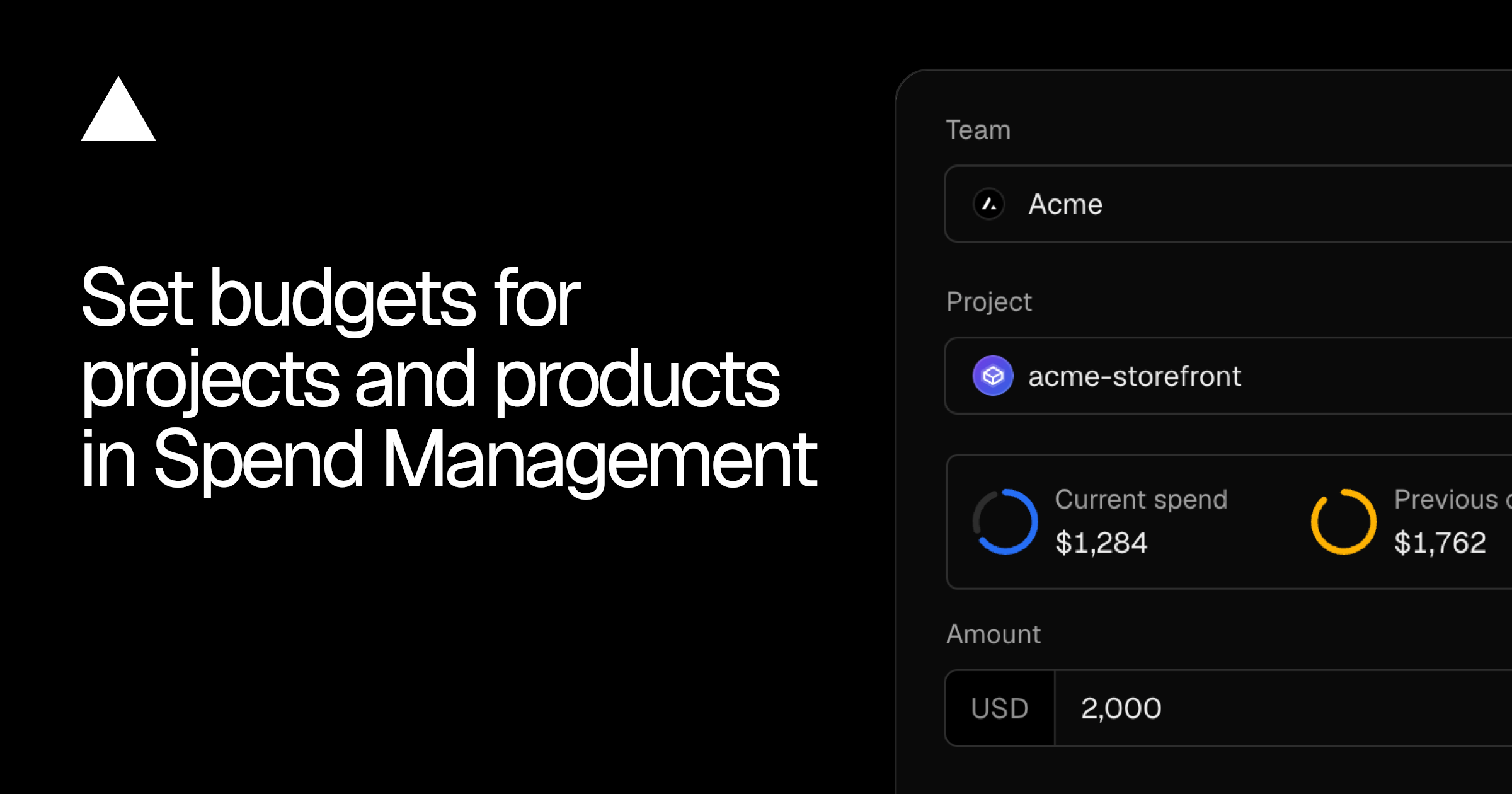
Vercel Spend Management budgets can now track individual projects and products, rather than only spend across a whole team. Project budgets can also pause production deployments when their limit is reached, without affecting other projects.

The Vercel changelog confirms three notification points for every budget. Teams receive alerts when spending reaches 50%, 75% and 100% of the amount they set.

Spend Management budgets now work at three levels

The update separates budgets by the thing being measured. A team budget covers team-wide spend. A project budget isolates one project. A product budget follows spending on one Vercel product, such as Fast Data Transfer, across the team.

Budget typeSpend trackedAutomatic production deployment pause
TeamSpend across the teamSupported
ProjectSpend for one projectSupported
ProductSpend on one product across the teamNot supported

Project budgets include an optional action to pause that project's production deployments when the budget is reached. Other projects continue to deploy. This gives teams a control for isolating deployment activity around one app rather than applying the same response across the account.

Product budgets work differently. They track the cost of a specific Vercel product across the team, but they cannot automatically pause production deployments. Only team and project budgets support that action.

Budgets can also be managed through the Vercel CLI. That means teams can handle budget configuration alongside other command-line workflows instead of relying only on the Spend Management interface.

Frequently asked questions

What are Vercel Spend Management budgets?

Spend Management budgets track spending at team, project or product level. They send notifications at 50%, 75% and 100%, while team and project budgets can also support automatic pausing of production deployments.

Which Vercel plan includes Spend Management budgets?

The changelog does not give plan or pricing details. It confirms that project and product budgets can be managed in Spend Management and through the Vercel CLI.

When are project and product budgets available?

The changelog presents project and product budgets as available in Spend Management.

Sources

3 checked

How we cover tool news: Create With's tool desk drafts these reports with AI from the sources listed above and checks them against those sources before publishing.

Worth passing on?

ShareLinkedIn

Go deeper on Vercel

Related reading, watching and going.

Everything on Vercel →

The briefing

19 May 2026

How to Migrate Your App from Lovable to Claude Code in 2025

Step-by-step guide to migrating your Lovable app to Claude Code. Learn how to move from Lovable's managed platform to a stack you own and control.

Read →

The briefing

10 Feb 2026

OpenClaw Review: 2 Weeks With This AI Agent

Honest 2-week review of OpenClaw — an autonomous AI agent powered by Claude. We test setup, safety, autonomy, and real value to see if it's worth using.

Read →
34 min

Podcast

My Daughter Built a Website Business, Claude Design First Look & Going All-In on Cloudflare

James and Kieran discuss practical AI-powered development through real-world examples, including a seven-year-old building a website business with Claude Code voice mode, Anthropic's new Claude Design tool, API security challenges in the AI agent era, and Cloudflare's expanding AI infrastructure offerings. The episode covers hands-on experiences with vibe coding, emerging design tools, and the evolving landscape of AI-assisted development.

Watch now ↗

Podcast

53. Why Your Vibe Code Needs Tests, Ditching SaaS & AI Agents That Work While You Sleep

James and Kieran discuss the practical realities of building AI-powered software, emphasizing the importance of testing in vibe-coded applications, exploring alternatives to traditional SaaS tools, and implementing autonomous AI agents for business operations. The episode covers technical topics like Convex databases, app store bottlenecks from AI-generated submissions, and using OpenClaw as a marketing automation agent.

Watch now ↗
38 min

Podcast

52. Your AI Co-Founder: OpenClaw, Manus & the Zero-Person Business

In this Create With podcast episode, James and Kieran are joined by Matt Roberts from Happy Operators for an in-depth discussion on using autonomous AI agents in production. The conversation covers practical experiences with OpenClaw, security considerations, comparison with emerging tools like Manus, and the broader shift toward AI-assisted development. They also discuss the VibeCoding Olympics results, Bubble's new AI capabilities, and research on Claude.MD file effectiveness.

Watch now ↗

Latest tool news

What else changed this week.

All tool news
n8nDigest

What n8n Shipped in Mid-November

n8n shipped a small but notable AI model update for builders working on agents and automation. The latest change adds Gemini 4 Carbon to n8n, giving teams another model option for…

VercelDigest

What Vercel Shipped in Mid-November

Vercel shipped three updates for sandboxed runtimes and AI Gateway users. The changes cover a new Python image, a new model in Token Pass, and a web-search decision model that is…

Vercel

Vercel Raises Build Cache Limit to 5 GB

Vercel’s build cache size limit is now 5 GB across every build machine type. Projects can retain more installed dependencies and framework files between deployments, reducing the…

The Create With Briefing

Don't watch forty changelogs. Read one email.

Every Tuesday: the tool changes worth knowing, real business use cases, and what's on near you. Free, unsubscribe any time.