 Spline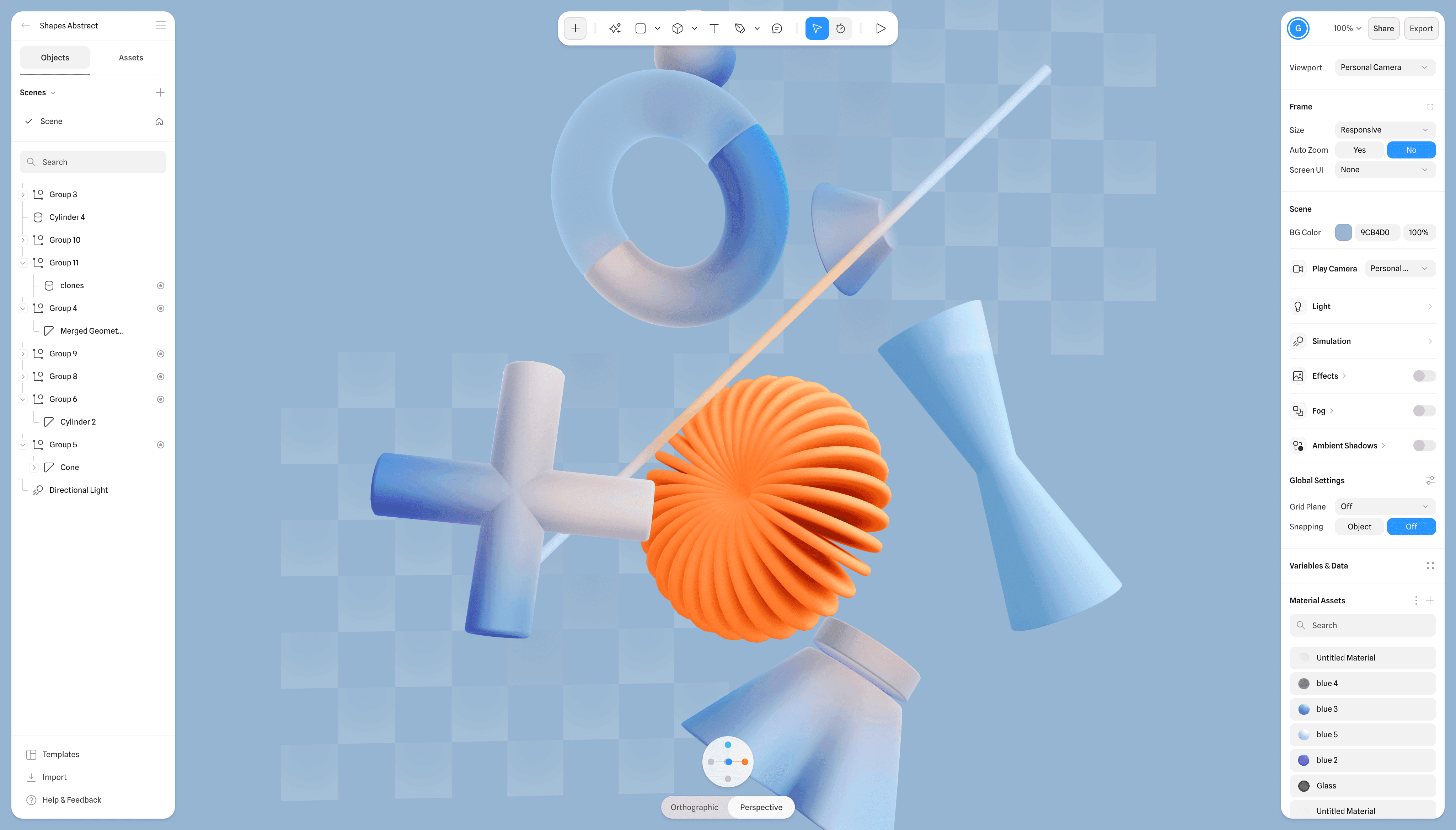
Spline has added Dust, a procedural material layer that places dust or snow on the upward-facing parts of 3D objects. The update gives designers a faster way to make browser-based scenes look weathered, seasonal or more physically grounded without manually painting every exposed surface.
The company announced the feature on LinkedIn, saying Dust is available now through its web editor. It also appears in the official Spline V2 update notes, where it is described as “procedural dust/snow accumulation shading on upward-facing surfaces.”
That distinction matters. Dust is a material effect, rather than a pile of simulated particles or additional geometry. It responds to the orientation of a model’s surfaces, concentrating the effect on areas where dust or snow would plausibly settle. Vertical sides and downward-facing areas are consequently less prominent in the treatment.

A Small Layer With Broad Uses
For designers, the immediate benefit is speed. A similar result would otherwise require custom textures, masks or manually adjusted materials, work that becomes tedious when a scene contains many objects. Procedural accumulation can also make revisions easier because the effect follows surface orientation rather than relying entirely on a fixed image painted for one model.
Potential uses extend beyond literal dust. Product visualisations could apply the layer to give packaging, furniture or machinery a stored or abandoned appearance. Winter scenes could use it for snow resting on roofs, signs and props. Game prototypes, interactive landing pages and digital showrooms could use subtler settings to break up surfaces that otherwise look too uniform.
Spline has not detailed the layer’s individual controls in the announcement, so designers should not assume specific options for noise, thickness or masking until they inspect the feature in the editor. The confirmed capability is narrower: procedural dust or snow shading based on upward-facing surfaces.
Part of Spline V2’s Rendering Push
Dust arrives just days after Spline introduced V2, a complete rebuild of its browser-based editor. As Create With previously reported, that release added a WebGPU renderer with WebGL fallback, physically based rendering support, screen-space reflections, procedural sky options and height fog.
Within that broader release, Dust is one of several tools aimed at making scenes richer without forcing creators to leave the editor. Hair simulation, reflection layers and expanded lighting options address other parts of the same problem: producing more sophisticated real-time visuals while keeping the workflow accessible in a browser.
Spline V2 also introduced agent-based scene creation and editing. Its AI agent can work with objects, materials, lighting, cameras and interactions, building on the company’s earlier AI Agent Mode for interactive 3D simulations. Spline has not said whether Dust can be configured through natural-language prompts, but its placement inside the V2 material system makes it relevant to creators assembling scenes through both manual and agent-assisted workflows.
For small studios and web builders, the practical value will depend on how much control the layer offers and how efficiently it renders in production scenes. Even in its current, narrowly described form, Dust addresses a familiar 3D design problem: perfectly clean objects often look artificial, while believable surface variation takes time to create. Spline’s approach packages that variation into a reusable material layer.
Frequently asked questions
What is Spline Dust?
Spline Dust is a procedural material layer that adds dust or snow accumulation to upward-facing surfaces on 3D objects. It is designed to create more realistic weathering or seasonal effects without requiring the accumulation to be painted manually across every surface.
When is Spline Dust available?
Spline says Dust is available now in its browser-based editor at app.spline.design. The company announced the feature on August 26, 2026, following the release of Spline V2 on August 21.
Does Spline Dust require a particular plan?
Spline did not specify a plan requirement or separate price in its announcement. Users should check availability inside their workspace and consult Spline’s current plan details before relying on the feature for a production workflow.
Sources
1 checkedHow we cover tool news: Create With's tool desk drafts these reports with AI from the sources listed above and checks them against those sources before publishing.


 Supabase

