Skip to content
All tool news

Tool desk · Updated daily

Tool news·Notion·

Notion Expands Offline Mode to Auto-Download Up to 1,000 Pages.

Notion Offline Mode now automatically downloads up to 1,000 recent and favourite pages for people using paid plans.

CW

Create With tool desk

4 sources checked · 2 min read · 3 sections

ShareLinkedIn
Notion Expands Offline Mode to Auto-Download Up to 1,000 Pages

Offline Mode in Notion now automatically downloads up to 1,000 recently viewed and favourite pages on paid plans. Those pages remain available when an internet connection drops.

The change removes the need to predict every page you will need before losing WiFi. According to Notion’s LinkedIn post, the app handles the downloads automatically.

How Notion Offline Mode Selects Pages

The automatic download pool uses two signals: pages viewed recently and pages marked as favourites. It can contain up to 1,000 pages.

Selection signalOffline behaviour
Recently viewed pagesAdded to the automatic download pool
Favourite pagesAdded to the automatic download pool
Paid plan workspaceEligible for automatic offline downloads

The phrase “up to 1,000” describes the maximum number of pages covered by this update. It does not mean every account will always have exactly 1,000 downloaded pages.

What Changes When WiFi Drops

The downloaded pages keep part of a workspace accessible without an internet connection. Because Notion chooses pages from recent activity and favourites, the offline set updates around pages already receiving attention rather than requiring a separate list in the announcement’s described flow.

This applies to the pages stored by Offline Mode, not every page in a workspace. The 1,000-page cap sets the boundary for the automatic collection.

The announcement focuses on offline availability. It does not explain how Notion prioritises pages when more than 1,000 qualify.

The update is a focused reliability change rather than a new workspace feature. It makes recent work and deliberately saved favourites available when connectivity disappears, with the app doing the preparation in advance.

Frequently asked questions

What is Offline Mode in Notion?

Offline Mode keeps downloaded workspace pages available without an internet connection. On paid plans, it now automatically downloads up to 1,000 recently viewed and favourite pages.

Which Notion plan includes Offline Mode automatic downloads?

The automatic download update is available on paid plans. The announcement does not list differences between individual paid plans.

How many pages does Offline Mode download?

It automatically downloads up to 1,000 pages. The pool is based on recently viewed and favourite pages.

Sources

4 checked

How we cover tool news: Create With's tool desk drafts these reports with AI from the sources listed above and checks them against those sources before publishing.
Worth passing on?

ShareLinkedIn

Go deeper on Notion

Related reading, watching and going.

Everything on Notion →

The briefing

19 May 2026

How to Migrate Your App from Lovable to Claude Code in 2025

Step-by-step guide to migrating your Lovable app to Claude Code. Learn how to move from Lovable's managed platform to a stack you own and control.

Read →

The briefing

31 Mar 2026

Vibe Marketing Review: Can AI Agents Really Automate Marketing?

An honest review of vibe marketing with AI agents. Learn if automated marketing actually works for solo founders and small teams. Plus: Claude Code leak, Factory Missions.

Read →

The briefing

3 Mar 2026

Perplexity Computer Platform & Notion AI Agents Review 2025

Perplexity's 19-model AI platform, Claude Code mobile control, iPhone offline AI with Qwen 3.5, and Notion's custom agents are transforming AI automation.

Read →
39 min

Conference

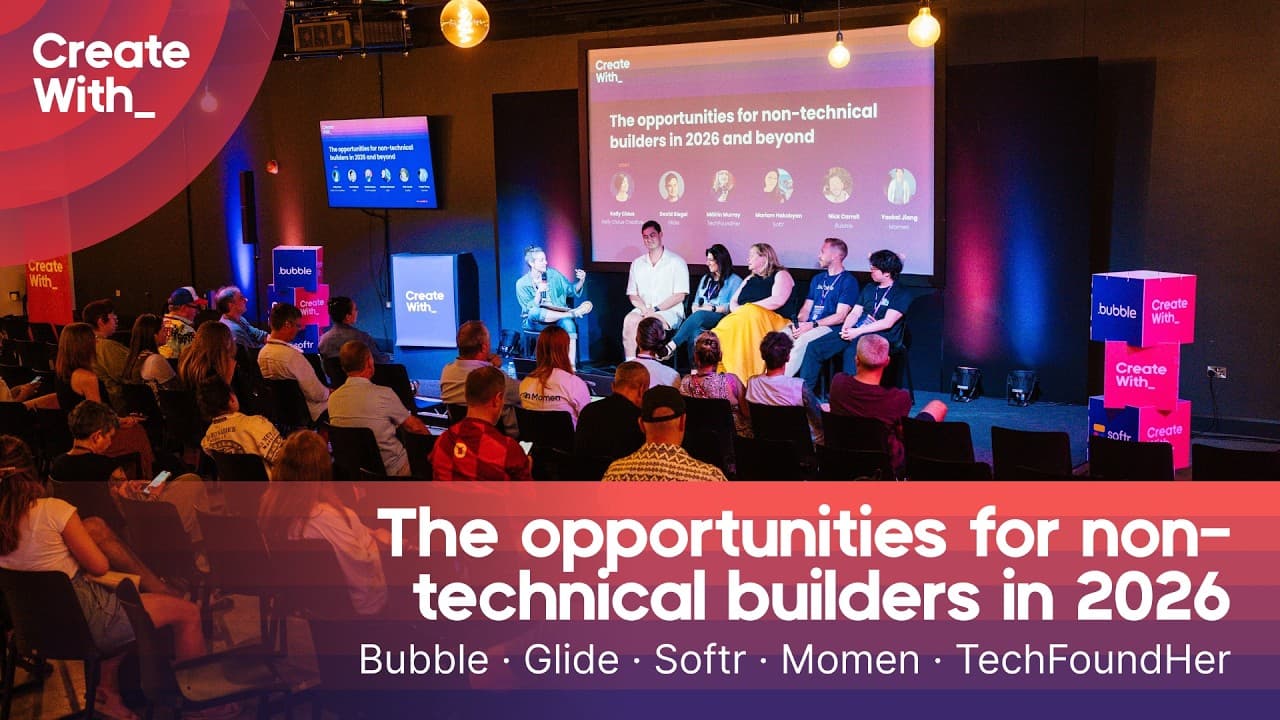
The Biggest AI Opportunities for Non-Technical Builders in 2026

A closing panel discussion from Create With featuring leaders from Glide, Softr, Bubble, Momen, and TechFoundHer examining how AI and no-code platforms are democratizing software development. The panelists explore what non-technical builders can now create, how AI is transforming service businesses, and where expertise still matters when prototypes become production applications.

Watch now ↗
31 min

Conference

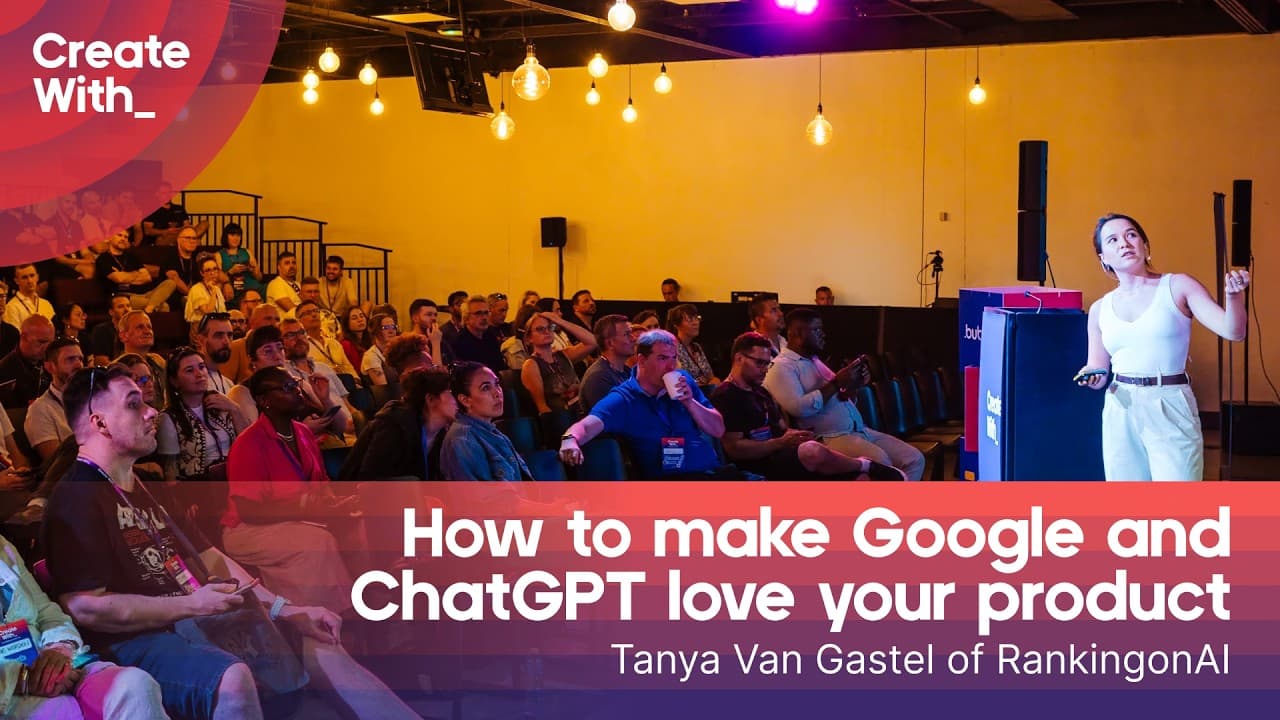
How to Get Your Product Recommended by Google and ChatGPT

Tanya Van Gastel presents the APEX framework for making products discoverable in AI-powered search engines like ChatGPT and Google's AI Overviews. She explains how AI is fundamentally changing product discovery and buyer behavior, then breaks down five critical components: Authority (being cited as a solution), Presence (visibility across search platforms), Expertise (creating high-quality money pages), Endorsements (off-site validation), and Extractability (making content easy for AI to process). The talk emphasizes quality over quantity, with data showing 50% of SaaS SEO revenue comes from fewer than 10 high-performing pages.

Watch now ↗
55 min

Tutorial

I Built a Personal AI Assistant for £10/month — Here's How To Do The Same

Tanveer Mohammed provides a comprehensive tutorial on building a personal AI assistant using OpenClaw for approximately £10/month. The walkthrough covers VPS setup on Hostinger, API configuration through OpenRouter, app integration via Composio, Telegram setup, skill creation, cron job scheduling, and real-world applications including health tracking, trading alerts, and business management.

Watch now ↗

Latest tool news

What else changed this week.

All tool news
FigmaDigest

What Figma Shipped in Early November

Figma shipped a small Community update aimed at people who want to show work inside the product, not just in an external portfolio. The new feature is riffs, which lets you add…

VercelDigest

What Vercel Shipped in Late October 2026

Vercel’s late October releases cover AI Gateway models, Daemon controls, IP geolocation, Runtime Cache and a new typeface. The changes give developers more model options, private…

VercelDigest

What Vercel Shipped in Late October

Vercel’s late-October releases cover AI models, coding agents, observability, sandboxes and infrastructure. The updates give developers more ways to run agents, inspect AI bot…

The Create With Briefing

Don't watch forty changelogs. Read one email.

Every Tuesday: the tool changes worth knowing, real business use cases, and what's on near you. Free, unsubscribe any time.