 n8n
n8n
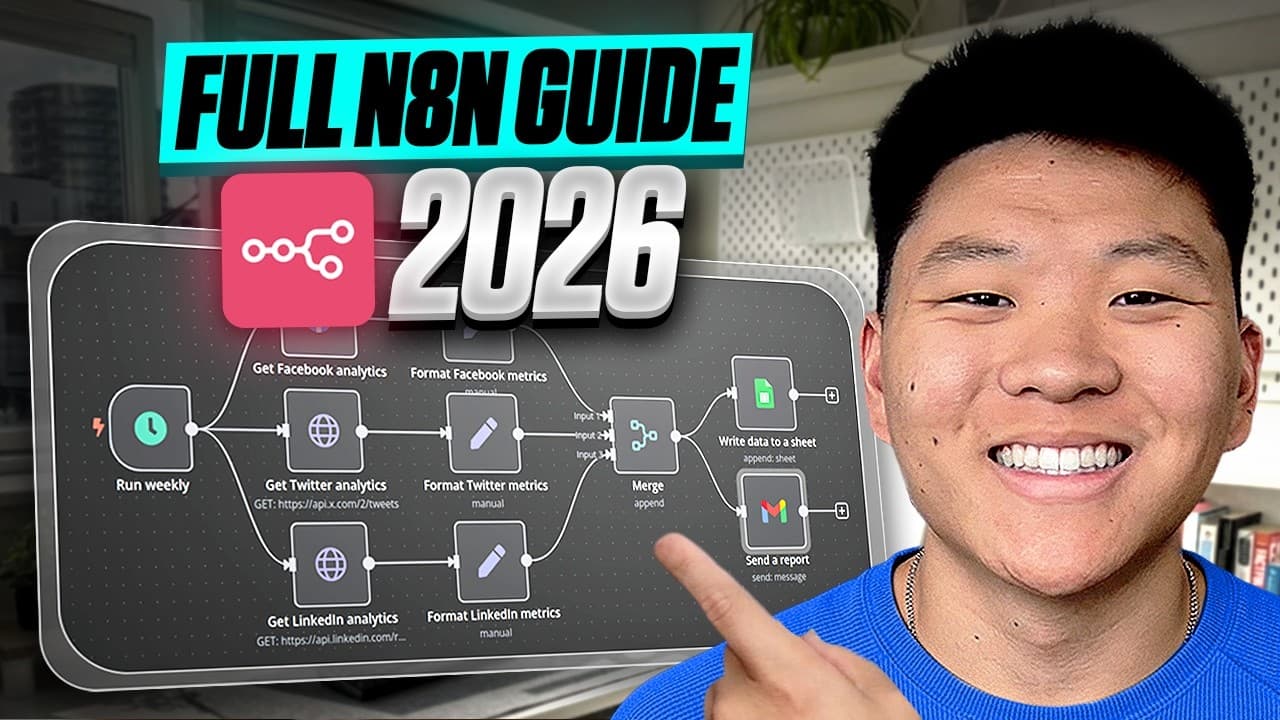
n8n Assistant turns a plain-English automation request into a working workflow on the n8n canvas. It chooses the nodes, puts them in order, configures them and asks for the accounts and credentials it needs.
The assistant then runs the workflow. If the first execution fails, it works out what broke and iterates on the fix with the user. The result is a standard n8n workflow rather than a one-off AI action.
According to the launch blog post, each generated workflow remains visible on the canvas, editable by hand and logged on every run. Teams own the workflow and can inspect or change it without returning to the original prompt.
How n8n Assistant Builds a Workflow
The starting point is the outcome, not a list of implementation steps. A user describes what the automation should achieve, and the assistant handles the first build and test cycle.
- 1
Describe the outcome
explain the automation in plain language
- 2
Review the plan
see the nodes, order and configuration on the canvas
- 3
Connect accounts
provide the credentials requested by the assistant
- 4
Run the workflow
let the assistant execute it and diagnose failures
- 5
Tighten the build
change filters, swap nodes or add error handling
Once the initial version works, users can edit it like any other n8n workflow. That includes replacing a node, adjusting a filter, adding error handling or putting a confirmation step before an important action. Manual workflow building remains available on the same canvas.
This keeps the generated automation inside n8n’s existing operating model. Every run produces a log, the workflow can run again later, and another team member can inspect how data and decisions move between nodes.
A Persistent Workflow Rather Than a One-Off Task
The launch focuses on what happens after generation. Code produced by an AI agent still needs hosting, security, monitoring and maintenance. An open-ended assistant may complete a task without leaving a reusable process behind.
n8n Assistant instead produces the same kind of workflow users already build in n8n. It can be handed to a colleague, checked when an execution behaves unexpectedly and updated as the process changes.
That also separates the first draft from the production workflow. The assistant can get the nodes onto the canvas and resolve an initial failure. The team can then add its own checks, filters and confirmation points before relying on it.
Frequently asked questions
What is n8n Assistant?
n8n Assistant is an AI tool that converts a plain-English automation request into a standard workflow on the canvas. It plans and builds the workflow, requests credentials, runs it, diagnoses failures and helps iterate on fixes.
Can I edit workflows created by n8n Assistant?
Yes. Generated workflows remain visible on the canvas and can be edited manually. Users can swap nodes, change filters, add error handling and introduce confirmation steps.
Which plan includes n8n Assistant?
The launch post does not state which plans include the feature or provide pricing details.
Sources
3 checkedHow we cover tool news: Create With's tool desk drafts these reports with AI from the sources listed above and checks them against those sources before publishing.




 Supabase

