 Mailchimp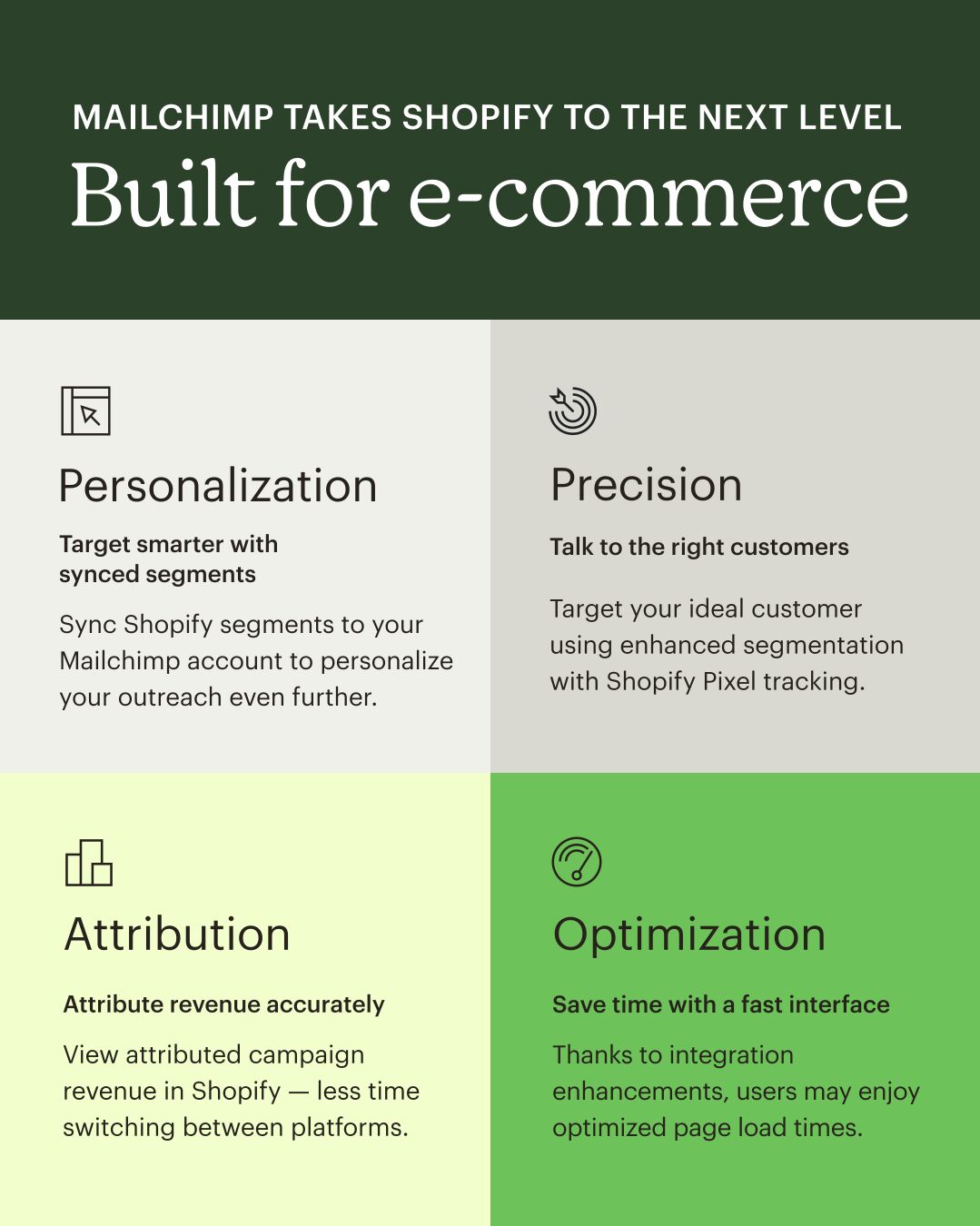
Mailchimp has rolled out a deeper integration with Shopify designed to reduce manual work and improve campaign targeting for ecommerce merchants. The update introduces bidirectional data flows, product-level segmentation via Shopify Pixel, and revenue attribution visible directly inside the Shopify dashboard.
The announcement, shared on LinkedIn, emphasizes three core capabilities: automatic syncing of Shopify customer segments into Mailchimp, enhanced targeting through Shopify Pixel integration, and the ability to view email campaign revenue without switching platforms.
Synced Segments and Automatic Audience Updates
Mailchimp now pulls Shopify customer segments directly into its platform, eliminating the need to manually recreate audience lists for email campaigns. Merchants can segment customers based on purchase history, behavior, or product interest in Shopify, then use those segments immediately in Mailchimp for personalized outreach.
This builds on Mailchimp's broader push to streamline ecommerce workflows. The platform recently launched enhancements promising 30x ROI for online retailers through improved product recommendations and automated customer journeys.
Shopify Pixel Enables Product-Level Targeting
The integration now supports Shopify Pixel tracking, allowing merchants to segment audiences based on specific product interactions. This means campaigns can target customers who viewed particular items, abandoned carts with specific SKUs, or purchased from certain collections.
Shopify Pixel data flows into Mailchimp's segmentation engine, enabling more granular automation rules. A merchant selling both apparel and home goods, for example, can automatically route customers into different email sequences based on which product categories they browse, rather than treating all site visitors identically.
Revenue Attribution Inside Shopify
Mailchimp campaign revenue now appears directly in the Shopify dashboard, reducing the need to toggle between platforms to measure performance. Merchants can see which email campaigns drove sales alongside their other Shopify analytics, providing a single view of marketing effectiveness.
This cross-platform visibility addresses a common pain point for ecommerce operators juggling multiple tools. Rather than exporting data from Mailchimp and cross-referencing it with Shopify reports, revenue attribution happens automatically within the existing workflow.
The update reflects Mailchimp's ongoing focus on reducing friction for small and mid-sized ecommerce businesses. The company has steadily expanded its platform integrations over the past year, including a direct publishing feature for Canva that eliminates design-to-email handoffs.
Mailchimp's Shopify integration is available to users on Standard and Premium plans. Merchants can connect their Shopify store through Mailchimp's integrations directory.
Sources
1 checkedHow we cover tool news: Create With's tool desk drafts these reports with AI from the sources listed above and checks them against those sources before publishing.


 Supabase

