 Jotform
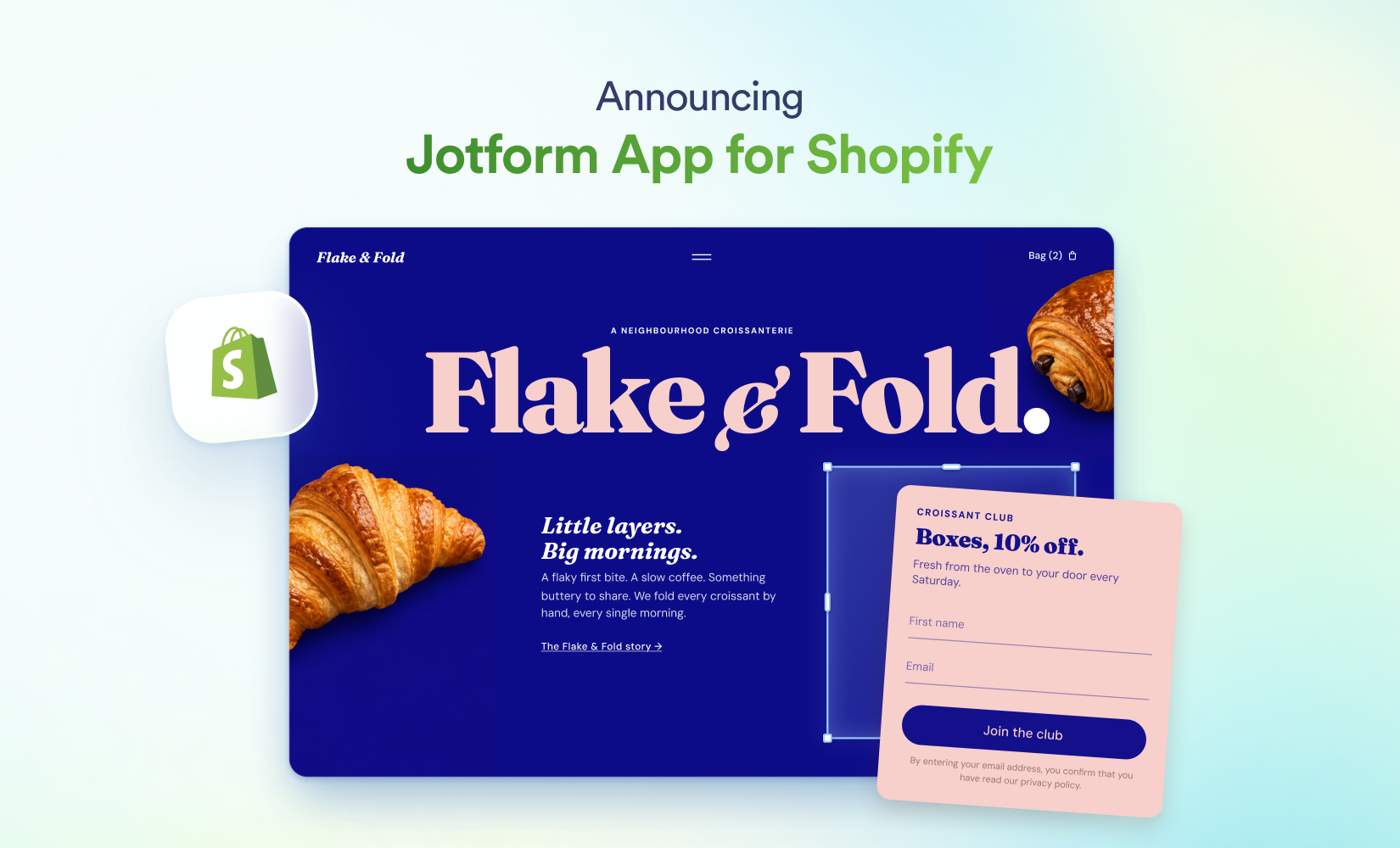
Jotform App for Shopify lets store owners add customisable forms and surveys directly to their storefronts. Merchants can use them to collect customer questions, feedback and enquiries beyond the standard product and checkout pages.
The integration was announced in a Jotform blog post published on 9 November 2026. It gives Shopify merchants a route to create, publish and manage Jotform forms for their shops.
How Jotform App for Shopify works
The app brings Jotform’s form-building tools into the Shopify setup. The launch guide covers the full workflow, starting with installation and moving through form creation, publishing, editing and management.
That means a merchant can add structured ways for customers to make contact or share information. The examples named in the announcement include questions, feedback and details about what shoppers are looking for.
- 1
Install the app
add Jotform App for Shopify to the store
- 2
Create a form
build the first custom form or survey
- 3
Publish the form
add it to the Shopify storefront
- 4
Edit and manage
update forms and manage them after publishing
The forms sit alongside the rest of the storefront rather than replacing Shopify’s product listings or checkout. Their role is to add customer contact and data collection where a standard commerce page does not cover the interaction.
One place to create and maintain storefront forms
Published forms can be edited after they go live, while the app also includes a way to manage existing forms. This supports ongoing uses such as changing customer questions, updating a survey or maintaining several forms across a shop.
The launch extends Jotform’s recent work on putting its builders inside other products. That includes bringing its app builder to ChatGPT and Claude, although this Shopify release is focused specifically on customer-facing forms and surveys for online shops.
Frequently asked questions
What is Jotform App for Shopify?
Jotform App for Shopify is an integration for adding customisable forms and surveys to a Shopify storefront. It can collect customer questions, feedback and enquiries alongside the shop’s product and checkout pages.
How do you publish a Jotform form on Shopify?
The documented workflow is to install the app, create a form and publish it to the storefront. Forms can then be edited and managed after publication.
Is Jotform App for Shopify free?
The announcement does not give pricing or plan details for the app.
Sources
3 checkedHow we cover tool news: Create With's tool desk drafts these reports with AI from the sources listed above and checks them against those sources before publishing.




 Figma