 Jotform
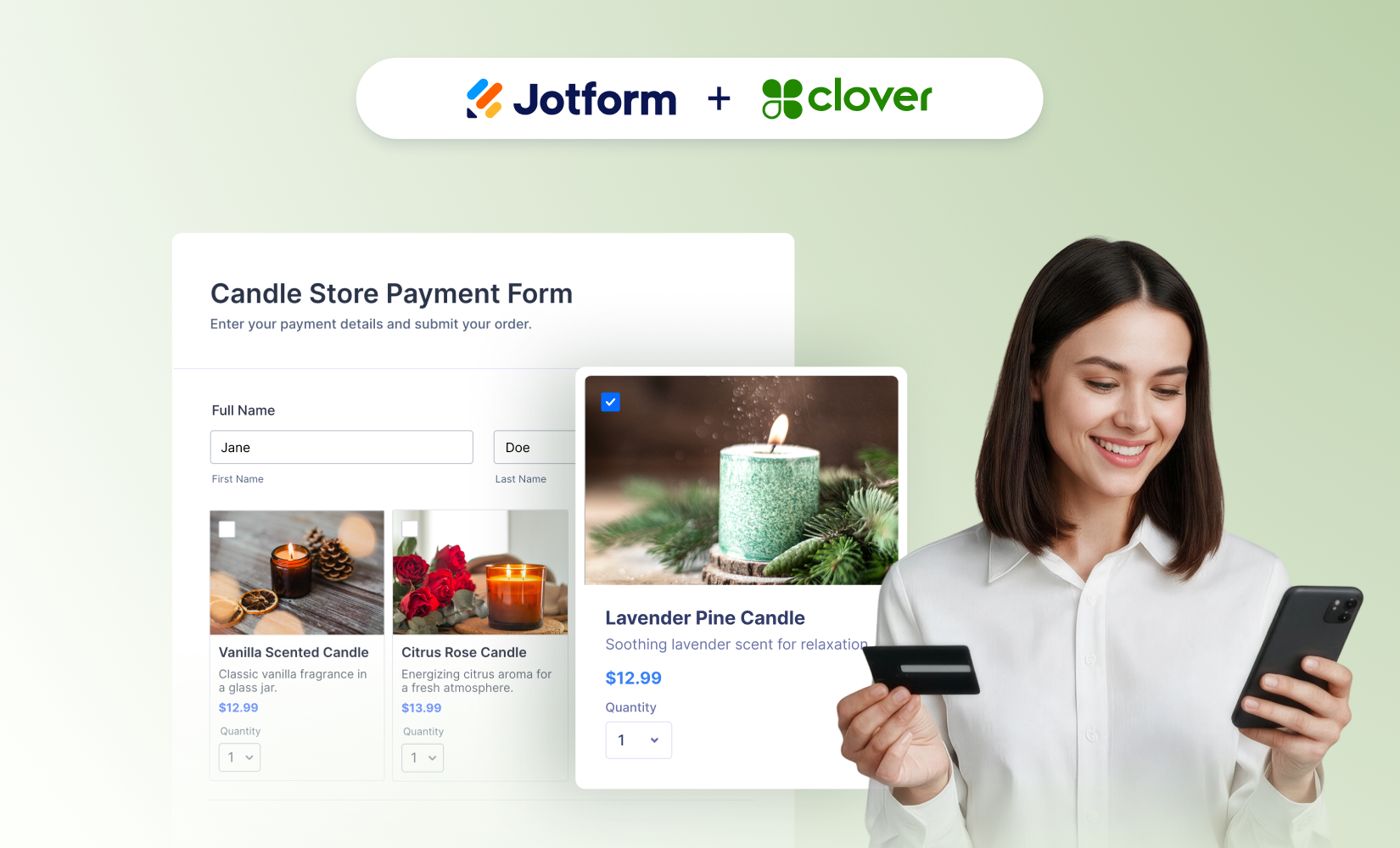
Jotform’s Clover payments integration lets businesses collect customer information and take an online payment through the same form. It replaces a handoff between separate data collection and checkout tools with one connected customer flow.
The launch post describes Clover as one of Jotform’s most requested integrations, particularly among small businesses, restaurants and retailers. It was published on 9 November 2026.
Jotform users can now add Clover payment processing to a form and customise the surrounding questions and fields. The customer supplies the information the business needs, then completes checkout without being sent into a separately managed process.
For the business, the integration brings form submissions and payment collection into the same workflow. Jotform positions this as a way to reduce the extra administration created when staff have to operate separate systems for customer data and online checkout.
How The Clover Payments Integration Changes Checkout
The previous route involved using one tool to collect information and another to handle the online payment. Customers had to move between those steps, while the business had to manage the resulting information across separate tools.
The Clover payments integration puts payment processing inside a customised Jotform experience. A business can turn an existing type of form into a checkout rather than creating an unrelated payment journey alongside it.
| Part of the process | Separate tools | Jotform with Clover |
|---|---|---|
| Customer details | Collected through a form | Collected through the payment form |
| Online checkout | Handled as a separate step | Connected to the same form experience |
| Administration | Form and checkout tools managed separately | Data collection and payment sit in one workflow |
| Customer journey | Moves between collection and checkout | Completes both through one connected experience |
The change is not a replacement for Clover’s role as the payment processor. It connects that processing to the forms a business builds in Jotform. Jotform remains the place where the business designs the questions and customer experience, while Clover handles the payment component.
That makes the form more than a data collection page. It can now carry a customer from supplying the information needed for an order or transaction into the checkout stage. The form can be customised around the information the business needs to collect rather than forcing payment into an isolated step.
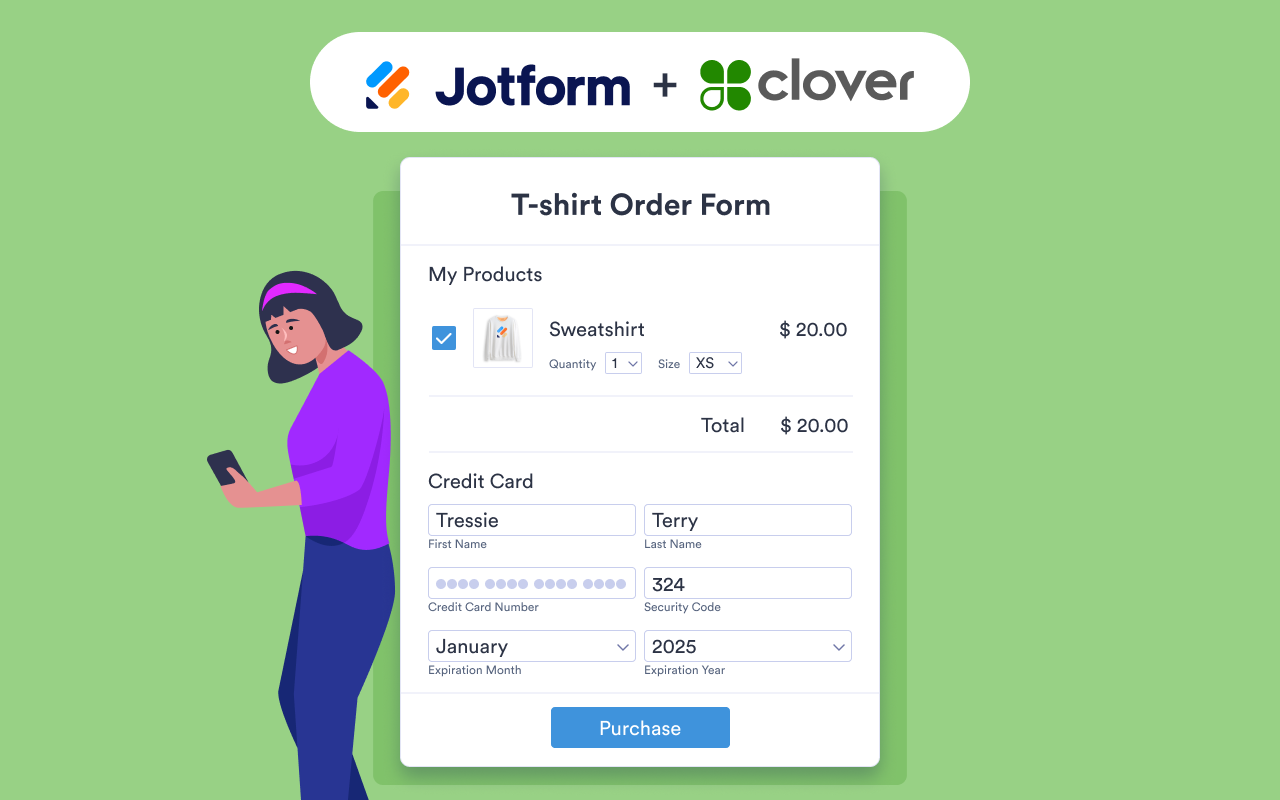
One Workflow For Forms And Payments
The launch is focused on businesses already dividing this work between Jotform and Clover. Instead of maintaining a collection process and then directing customers to another checkout process, they can connect payment collection to the form itself.
This addresses work on both sides of the transaction. Customers face fewer separate steps. Staff have less additional administration caused by operating disconnected tools. The information requested before payment can also remain part of the customised form experience.
Jotform identifies small businesses, restaurants and retail stores as the main audience behind demand for the integration. These organisations can use forms as the front end of a Clover-powered online checkout rather than treating forms and payments as unrelated systems.
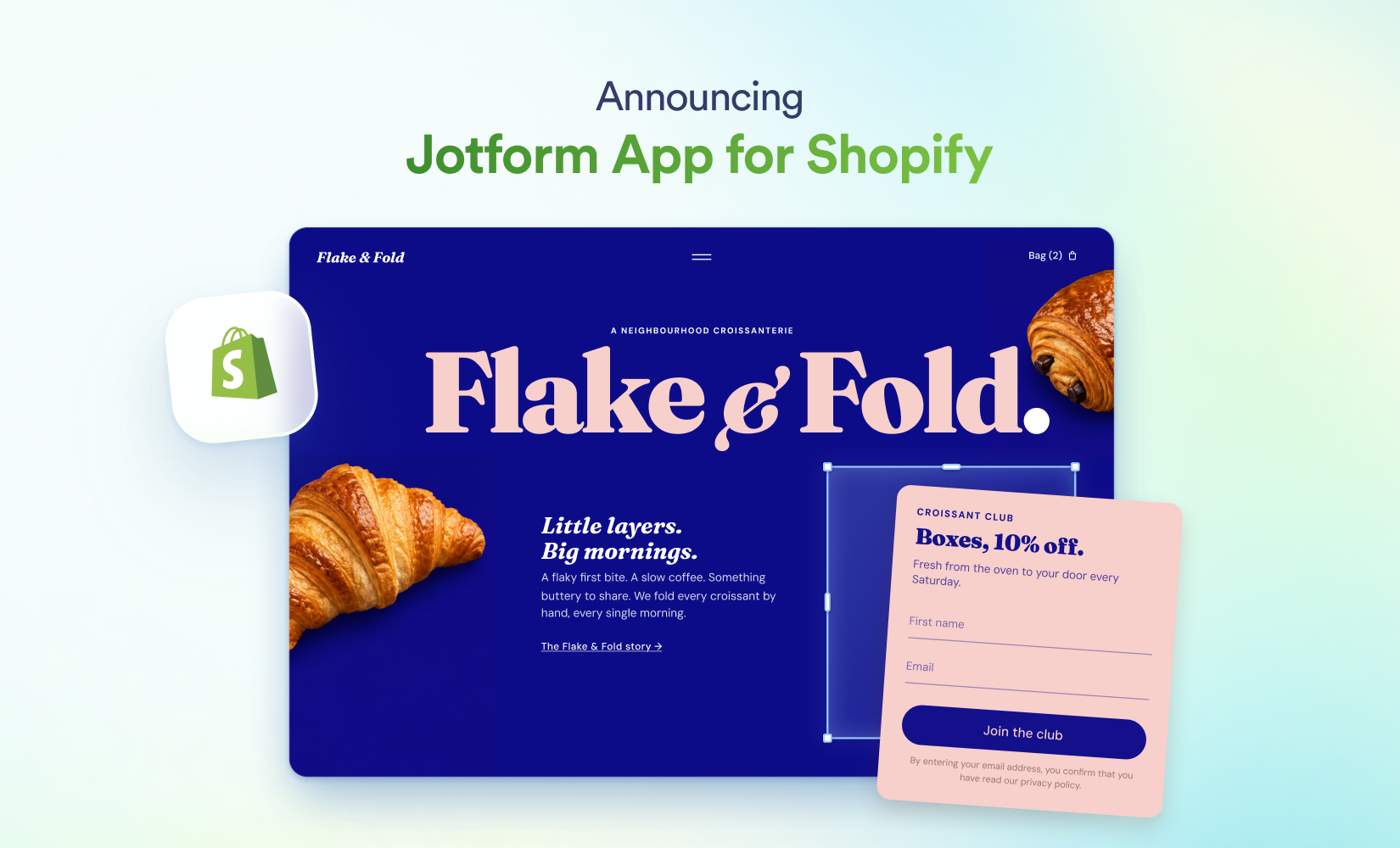
The update also continues Jotform’s work on connecting forms with the places where businesses already operate. It follows the Jotform App for Shopify storefront forms, which puts custom forms and surveys into an online shop. The Clover launch takes a different route by connecting a form directly to payment processing.
What To Build First
A suitable first project is an existing process where Jotform already collects the information and Clover handles the following payment. That gives the business a direct before-and-after comparison without changing both systems at once.
The form can retain the questions needed for the transaction while adding the connected payment experience. Once published, it becomes the single customer-facing route for information collection and checkout. The operational change is equally direct: staff no longer need to maintain a separate form journey and online payment journey for that process.
The update is centred on checkout, rather than a broader redesign of Jotform’s form builder or Clover’s payment service. Its scope is the connection between the two: turn a form into a customised payment experience, collect the required customer data and make Clover payment processing part of the resulting workflow.
Frequently asked questions
What is the Clover payments integration in Jotform?
It is a connection that adds Clover payment processing to a Jotform form. A business can collect customer information and provide online checkout through one connected form experience.
Who is the Clover payments integration for?
Jotform highlights small businesses, restaurants and retail stores as key users. It is designed for organisations using forms for data collection and Clover for online payment processing.
How does the Clover payments integration compare with using separate tools?
The separate approach collects information in one tool and handles checkout in another. The integration connects both stages through a customised Jotform experience, reducing separate customer steps and additional administration.
When is the Jotform Clover payments integration available?
Jotform announced the integration in a product post published on 9 November 2026. The announcement presents it as a launched integration rather than a preview or planned release.
Sources
3 checkedHow we cover tool news: Create With's tool desk drafts these reports with AI from the sources listed above and checks them against those sources before publishing.




 Figma