 Descript
Descript Introduces Smart Transitions to Automate Video Scene Animations
Descript has introduced Smart Transitions, a feature designed to automate animation handling when creating new scenes in video projects. The update, announced on LinkedIn, positions the capability as a time-saver for editors who want to avoid manual keyframe management.
The feature appears aimed squarely at solo creators and small teams who need professional-looking transitions without dedicating hours to motion design. By letting users create a new scene and allowing Smart Transitions to handle the animations automatically, Descript is reducing technical friction in a workflow step that often demands frame-by-frame precision.
Expanded Transition Library
According to Descript's official changelog, the company has also refreshed its overall Transitions experience. The interface now displays animated previews in a grid layout with thumbnails, making it easier to evaluate effects before applying them. The transition library has expanded to 16 total options, adding nine new effects including Clock Wipe, Shape Wipe, Double Linear Wipe, Move In & Out, Push-Pull, Scale, Flip, Split, and Shake.
Many of these new transitions include advanced customization controls accessible through the Properties panel. Users can also bulk-apply a single transition across all scenes at once, useful for maintaining visual consistency across longer projects. The transition controls are accessible by clicking the icon between scenes or through the Properties panel.
Additional Updates in April Release
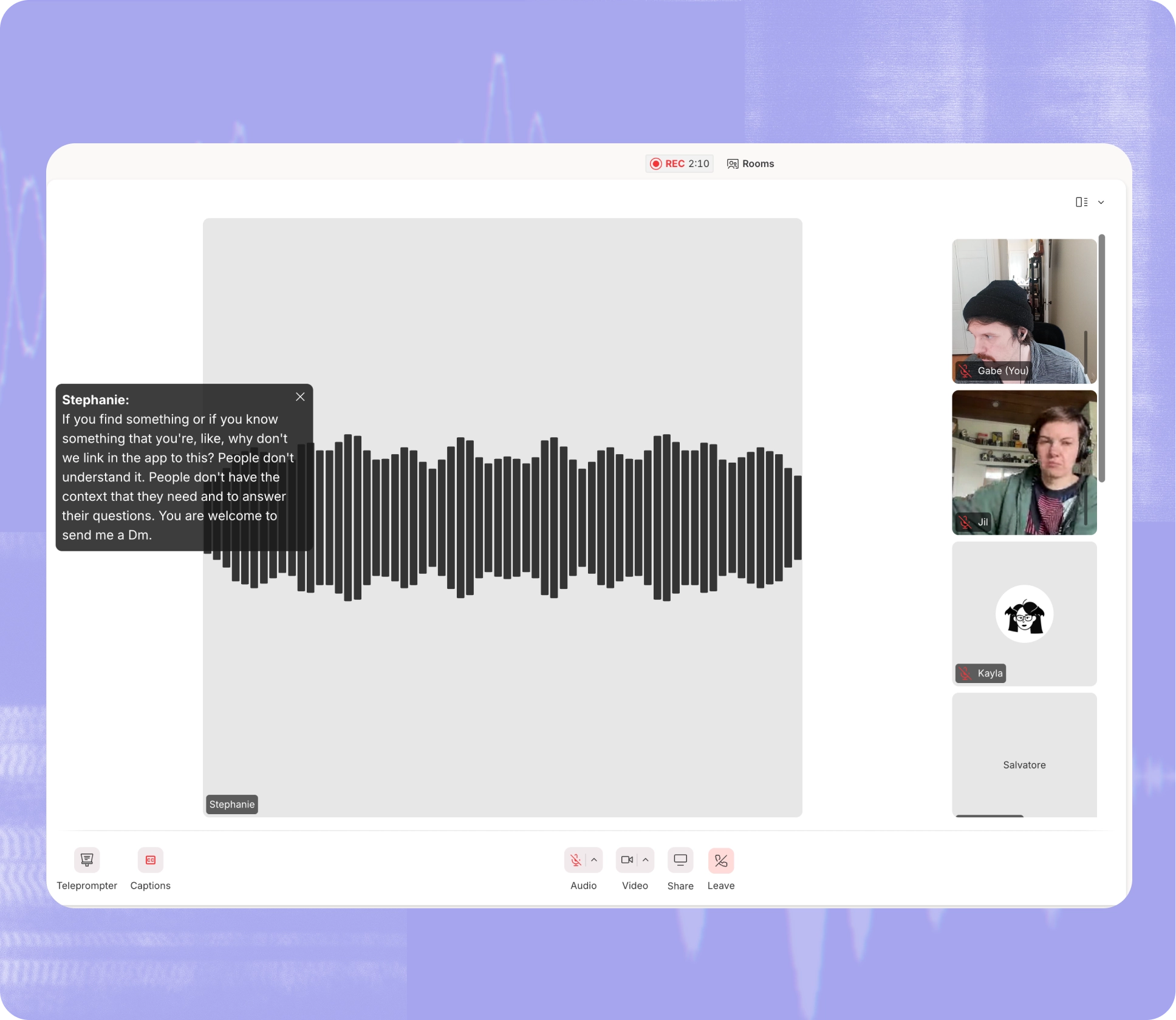
The Smart Transitions announcement arrived as part of a broader April 16th release that included several other workflow improvements. Descript added live real-time captions to its Rooms feature, which launched earlier this year as a built-in virtual studio for remote recording. The captions display as an on-screen overlay during recording sessions, improving accessibility and making it easier to follow conversations in noisy environments.
The company also announced its first Customer Obsessed Telethon, a two-day live hackathon scheduled for May 14-15 where Descript's team will build features based on real-time customer feedback. Users can submit or upvote ideas on a dedicated telethon board through April 30th, with priority given to small problems that have outsized workflow impacts.
Why This Matters
Video editing software has historically separated casual users from professionals along technical capability lines. Features like keyframe animation, while powerful, demand expertise and time that many creators simply don't have. By automating transitions, Descript is lowering the barrier to polished output without forcing users to learn motion graphics principles.
This aligns with the company's broader strategy of treating video editing more like document editing, a positioning that has helped Descript compete against legacy tools like Adobe Premiere and Final Cut Pro. For small business owners and solo creators producing regular video content, anything that reduces production time while maintaining quality becomes a competitive advantage.
The expanded transition library and bulk-apply functionality suggest Descript is also listening to feedback from users who need more visual variety without sacrificing speed. Whether Smart Transitions can match the creative control of manual keyframing remains to be seen, but for many users, good enough and fast will beat perfect and slow.
Sources
1 checkedHow we cover tool news: Create With's tool desk drafts these reports with AI from the sources listed above and checks them against those sources before publishing.

 Zapier

 Supabase