 Vercel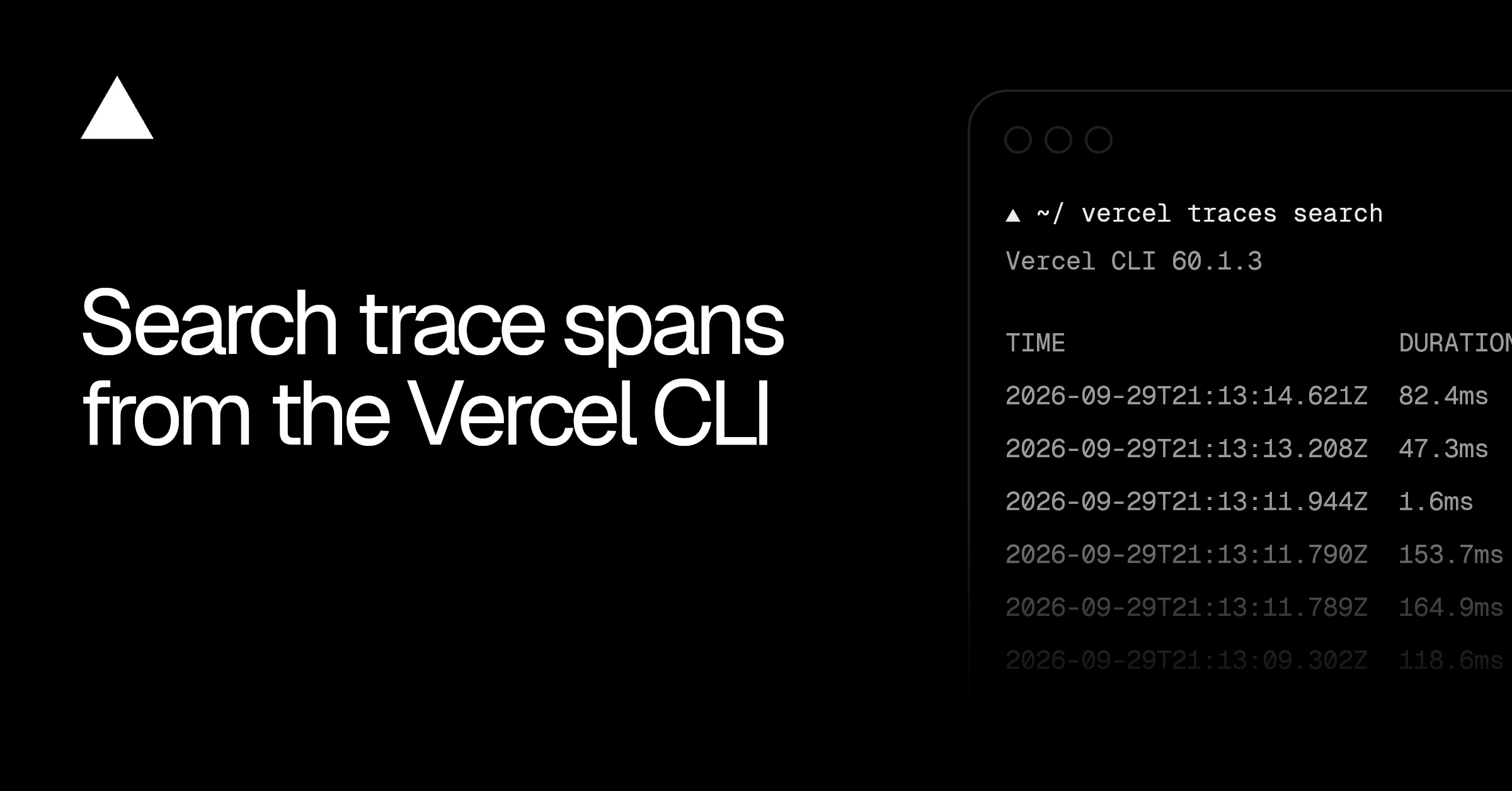
vercel traces search lets builders and coding agents inspect a project’s trace spans from the terminal. Each span covers one step in a request, giving you a way to investigate errors, latency and security-related behaviour without opening the Vercel dashboard.
The new command is available through the Vercel CLI. According to the Vercel changelog, it searches recent spans without requiring a request ID or trace ID first.
How vercel traces search works
Run vercel traces search and the command returns up to 100 spans from the last hour. Results appear newest first.
You can narrow that result set using command-line filters:
| Filter | What it narrows |
|---|---|
| Environment | Spans from a selected environment |
| Service or span name | A particular service or request step |
| Status | Results such as error spans |
| Deployment ID | Requests linked to one deployment |
| Request, trace or span ID | A specific request or part of a trace |
--since and --until | The time range searched |
For example, combining the error status with --since 1h returns error spans from the previous hour. A trace ID filter returns every span belonging to one trace.
This puts the investigation alongside the rest of a terminal workflow. A builder can move from a failed deployment or reported request problem to its spans without switching to the browser. Coding agents can search the same trace data through a CLI command.
KQL queries and structured output
The command also supports KQL for more advanced searches. Queries can target span duration and attributes, adding finer controls than the standard flags.
Results can be returned as JSON for structured analysis. That gives scripts and coding agents a structured result rather than terminal-formatted text, while the default output remains suited to direct inspection.
The combination of standard filters, KQL and JSON output covers both quick terminal checks and machine-readable investigations. The default one-hour window and 100-span limit also give each search a defined starting point before filters or time controls are added.
Frequently asked questions
What is vercel traces search in Vercel?
It is a Vercel CLI command for searching a project’s trace spans from the terminal. A span represents one step in a request and can help investigate errors, latency and security-related behaviour.
What does vercel traces search return by default?
It returns up to 100 spans from the last hour, ordered newest first. You do not need to find a request ID or trace ID before starting the search.
Which Vercel plan includes vercel traces search?
The changelog does not state which plans include the command. It describes access through the Vercel CLI but gives no pricing or plan details.
Sources
3 checkedHow we cover tool news: Create With's tool desk drafts these reports with AI from the sources listed above and checks them against those sources before publishing.



 Jotform
 ElevenLabs


 Circle
 Squarespace