Vercel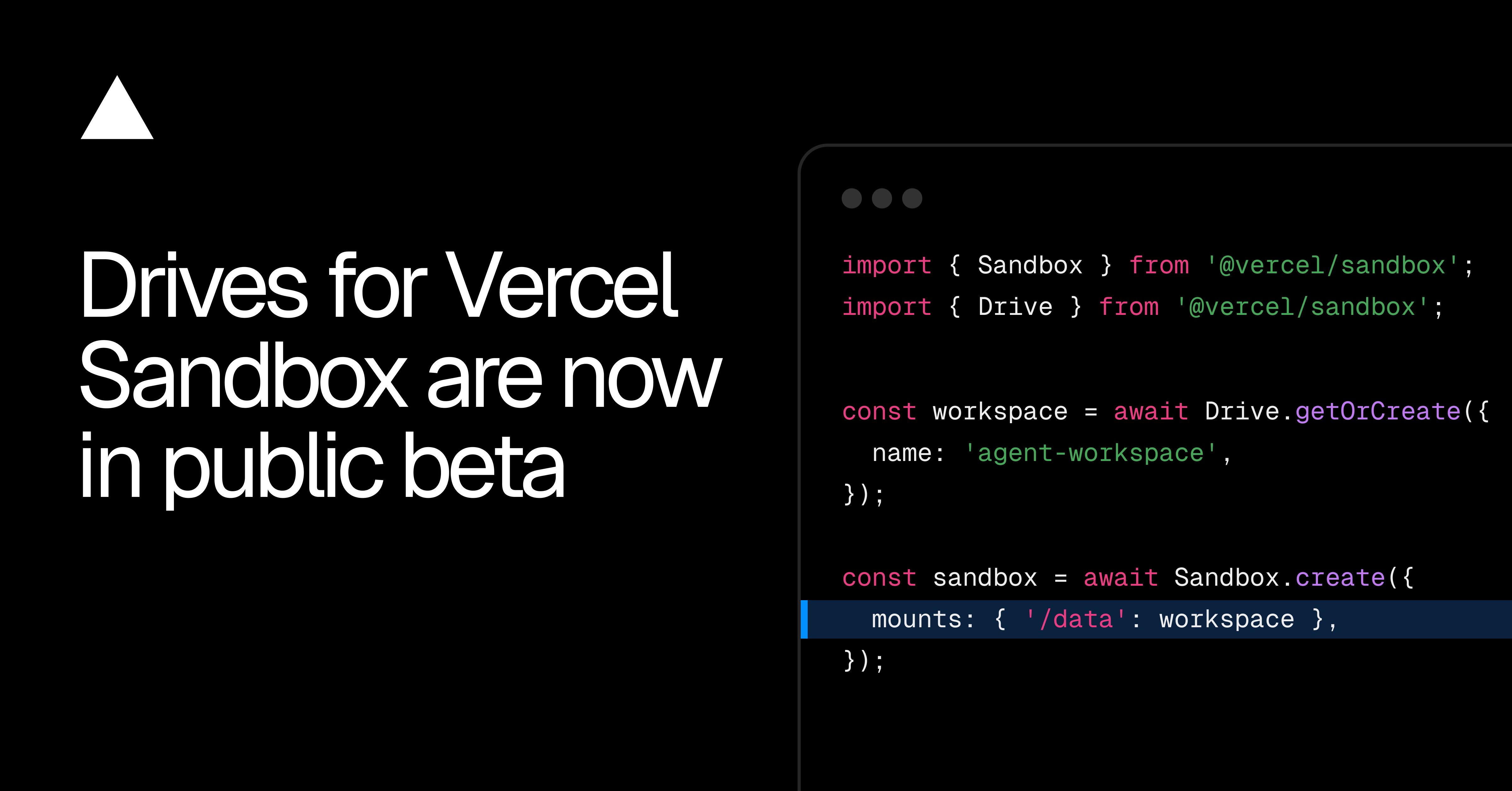
Drives give Vercel Sandbox persistent storage that can be reused across runs and sandbox instances. The feature is now in public beta for Hobby, Pro and Enterprise plans.
A Drive mounts as a directory inside a sandbox. Code can read and write files through the normal sandbox filesystem, while the stored data remains available for later runs.
According to the Vercel changelog, the storage can hold agent workspaces, on-disk memory, datasets, models and dependency trees. That gives long-running agent jobs somewhere to retain their files without tying the data to one temporary sandbox instance.
How Vercel Drives Work
A builder creates a new Drive or retrieves an existing one, then chooses where to mount it when starting a sandbox. From that point, the sandbox interacts with its contents through the mounted directory.
- 1
Create or retrieve a Drive
select the persistent storage needed for the run
- 2
Start the sandbox
mount the Drive at the required filesystem path
- 3
Read and write files
use the mounted directory from inside the sandbox
- 4
Reuse the Drive
mount it again in another run or sandbox instance
Each Drive supports one read-write mount at a time. When several sandboxes need concurrent access, they can use read-only snapshots instead. This separates the sandbox doing the writing from other instances that only need to inspect or consume the stored files.
Where Drives Fit in Agent Workflows
An agent can preserve its workspace between separate runs rather than recreating it each time. The same mechanism can retain on-disk memory or make an existing dataset and model available to a fresh sandbox.
Dependency trees can also remain on a Drive for reuse. Because the storage is not attached to one sandbox instance, a later instance can mount the same files at a chosen path and continue from them.
Frequently asked questions
What are Vercel Drives?
Drives are persistent storage volumes for Sandbox. They mount as directories and can be reused across separate runs and sandbox instances.
Which plans include Drives?
The public beta is available on Hobby, Pro and Enterprise plans. Drives use usage-based pricing, but the announcement does not list specific rates.
Can several sandboxes write to one Drive at once?
No. A Drive supports one read-write mount at a time, while read-only snapshots provide concurrent access for other sandboxes.
Sources
3 checkedHow we cover tool news: Create With's tool desk drafts these reports with AI from the sources listed above and checks them against those sources before publishing.



 OpenClaw