 Framer
Framer is putting its Marketplace front and center, making it the main landing page for people looking for templates, components, and other assets. The update also improves category browsing and search results, while drawing a clearer boundary between the company’s Marketplace and Community areas.
The changes, announced on LinkedIn, are primarily about discovery rather than adding a new class of asset. For small businesses and independent builders, however, reducing the time spent hunting for a suitable starting point can make the Marketplace more useful in day-to-day website production.
Marketplace gets the front door
Marketplace is now the primary destination when users enter Framer’s asset discovery experience. Framer has also changed the main navigation on framer.com, adding direct links to Marketplace so that users do not need to route through Community first.
The update includes four related changes:
- Marketplace is the main landing page, giving commercial and reusable assets a more prominent entry point.
- Category browsing has been improved, helping users explore when they do not already know the name of a template or component.
- Search results have been refined, making relevant assets easier to identify.
- Marketplace and Community are more clearly separated, reducing ambiguity about whether a user is browsing downloadable resources or social content.
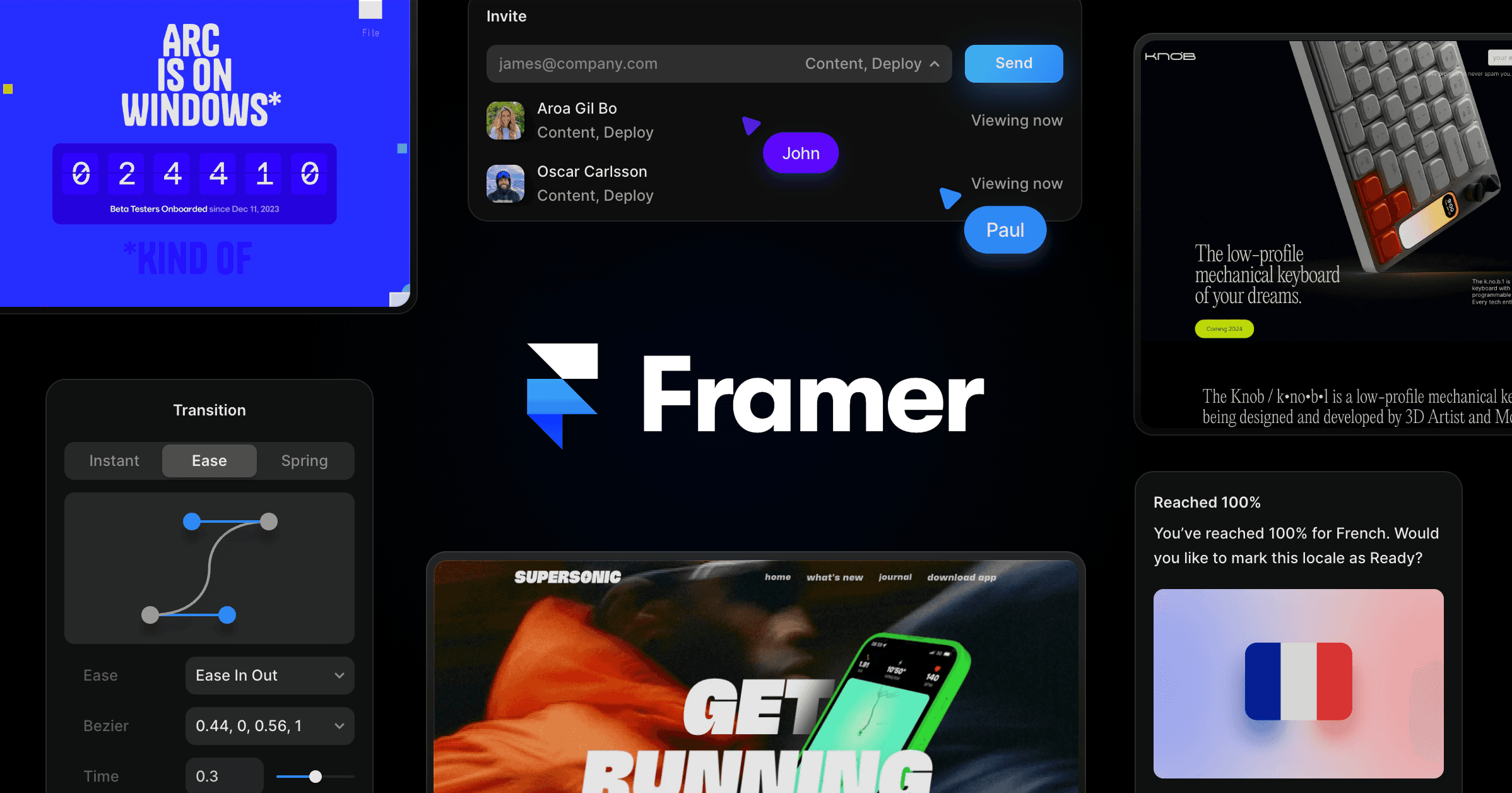
The search improvements build on Framer’s earlier work to restore Marketplace search autocomplete, which Create With previously covered. Taken together, the changes suggest Framer is treating discovery as an ongoing product problem, not simply a matter of adding more inventory.
The clearer separation from Community is notable. Framer had previously described Marketplace as becoming part of its new Community in an official blog post. Community has also gained social discovery features such as reposts, but finding creators and finding a production-ready website asset are different tasks. Giving each area a more distinct role should make navigation more predictable.
What this changes for builders
For a small business owner, the practical benefit is a shorter route from an idea to an editable website. Someone building a portfolio, landing page, or company site can browse by category, compare search results, and reach Marketplace directly from Framer’s site navigation. Agencies and freelancers may also spend less time directing clients or teammates to the correct section.

The update does not replace the need to evaluate assets carefully. Builders still need to check whether a template fits their content structure, whether a component behaves correctly across breakpoints, and whether an asset’s visual system can be adapted without substantial rework. Better discovery narrows the field, but it does not determine suitability.
Framer did not announce new Marketplace pricing, licensing terms, submission rules, or plan requirements alongside the navigation changes. This is a usability update focused on how people reach and search the existing ecosystem. It also arrives as Framer expands other parts of its platform, including the recently introduced Branching and Publishing APIs in Plugins 4.1.
Frequently asked questions
What is Framer Marketplace?
Framer Marketplace is the platform’s catalog for discovering resources such as website templates, components, and other assets. The latest update makes it the main landing page for asset discovery and gives it more direct placement in Framer’s site navigation.
How has Framer Marketplace search changed?
Framer says it has improved search results and category browsing, making resources easier to find whether users have a specific query or are exploring options. The company did not provide technical details about ranking or filtering changes in the announcement.
Does the Marketplace update require a specific Framer plan?
Framer did not announce a plan requirement or pricing change for the updated browsing and navigation experience. Availability was presented as a general Marketplace update rather than a paid add-on.
Sources
1 checkedHow we cover tool news: Create With's tool desk drafts these reports with AI from the sources listed above and checks them against those sources before publishing.





 ElevenLabs
 Glide
Glide
 Stripe