 Framer
Framer announced on LinkedIn a new visual effect feature that lets designers transform logos and graphics into polished glass surfaces. The Crystal shader adds realistic refractions, bevels, and dispersion effects directly within the website builder's design environment.
The update targets designers looking to create premium brand visuals without switching to external 3D or graphics software. Users can upload their own images and apply customizable glass-like effects, including control over refraction intensity, edge beveling, contour depth, and color dispersion that mimics how light splits through crystal.
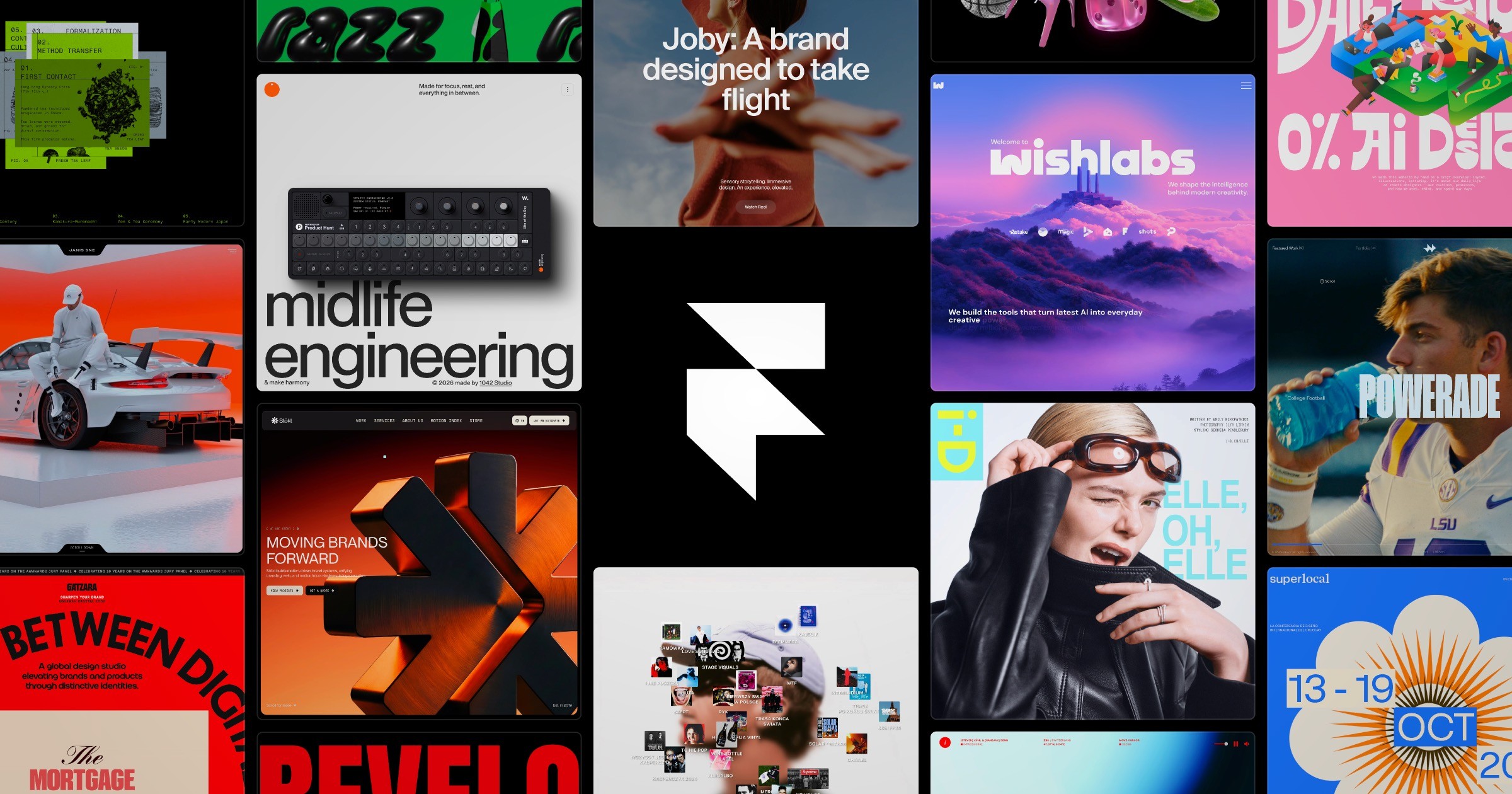
How the Crystal Shader Works
The shader operates as a layer effect within Framer's design interface. After selecting an image or logo, designers can activate the Crystal shader and adjust parameters in real time. The refraction setting controls how much the background distorts through the glass surface, while bevel controls shape the edge treatment. Contour adjustments affect the three-dimensional depth illusion, and dispersion settings determine how much prismatic color separation appears along edges.
Animation support means designers can create motion effects, such as rotating glass surfaces or shifting light reflections, without coding. The feature processes these effects client-side, maintaining site performance while delivering high-quality visual results across devices.
Design Application Scenarios
The Crystal shader fits several use cases that previously required specialized software:
- Brand headers: Transforming company logos into premium glass treatments for hero sections
- Product showcases: Creating attention-grabbing effects for featured items or announcements
- Interactive elements: Applying glass effects to buttons, cards, or navigation components that respond to hover states
- Portfolio work: Adding depth to case study headers or project thumbnails
This release continues Framer's pattern of adding sophisticated visual capabilities following their 3.0 launch with AI agents and branching workflows. The platform competes with tools like Webflow and Figma by building advanced design features directly into its website builder, reducing the need to export assets from multiple applications.
The Crystal shader ships as part of Framer's standard feature set, available to all users without requiring add-ons or premium tiers. The company has not announced whether additional shader effects are in development, though the technical infrastructure suggests room for expansion into other visual treatments like metallic surfaces, frosted glass, or holographic effects.
Designers can access the Crystal shader immediately through Framer's layer effects panel when working with images or vector graphics in their projects.
Sources
1 checkedHow we cover tool news: Create With's tool desk drafts these reports with AI from the sources listed above and checks them against those sources before publishing.





 ElevenLabs
 Glide
Glide
 Stripe