 Framer
Framer’s AI-powered Agents can now create 3D effects without turning the result into an opaque, flattened asset. The website builder announced on LinkedIn that Agents support 3D Transforms, letting users generate layered visual treatments through prompts and then select, inspect, and edit those layers directly on the Canvas.
That second part is the consequential one. AI design systems can produce visually sophisticated output quickly, but generated work is less useful when it arrives as a static image or a difficult-to-modify block. Framer says its Agent instead builds with the same Frames and Effects available to designers working manually.
What Agents Can Now Build
According to Framer’s official update, Agents can work with the main properties used to create spatial effects in the browser. These include:
- Rotate X, Y, and Z, for tilting and turning layers across three axes
- Perspective, which controls the apparent viewing distance and strength of depth
- Origin, defining the point around which a layer rotates
- Depth, for arranging elements within a three-dimensional composition
- Backface, which controls what happens when the reverse side of an element faces the viewer
The company says the update supports additional 3D Transform properties beyond those named in its announcement. In practice, the tools can be combined to produce rotating cards, dimensional type, layered interface mockups, spatial navigation elements, or animated brand graphics.
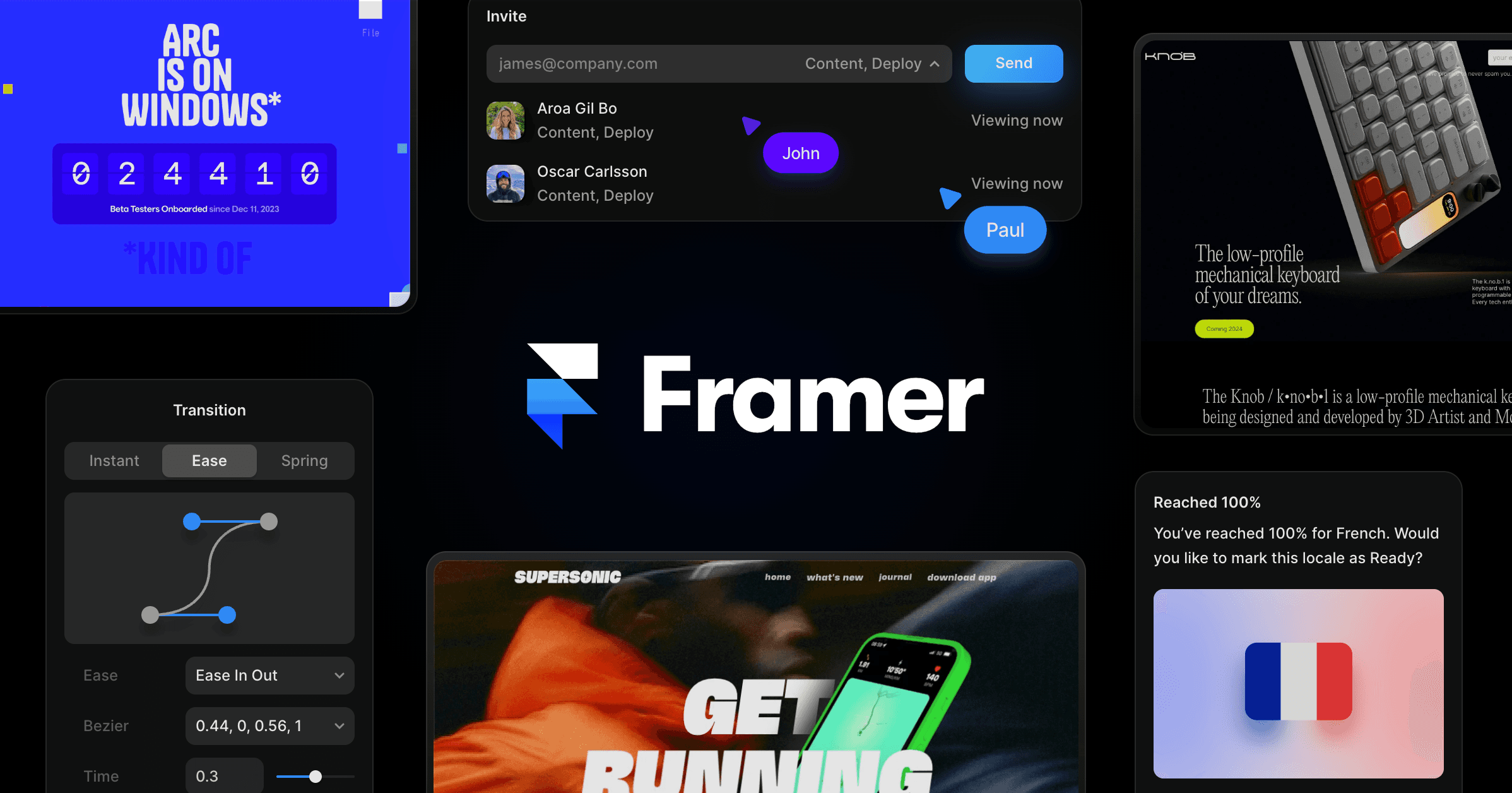
Framer demonstrated the capability with an animated version of its logo. The composition was generated using Opus 5 Fast with Light reasoning, but it still consists entirely of editable Frames and Effects. A designer can therefore use an Agent to establish the structure, then adjust individual rotations, origins, timing, or visual styling by hand.
This follows Framer’s recent addition of reasoning controls and Fast mode to its Agent model picker. Light reasoning is intended for quick edits, while higher reasoning gives the model more time to plan before building. Fast mode prioritizes generation speed for supported models, although Framer notes that it uses more tokens per task.
Why Editable Output Matters
For small teams, the update shortens the distance between an idea and a workable interactive prototype. A founder could describe a dimensional hero treatment, review several generated approaches, and fine-tune the preferred result without handing it to a specialist or rebuilding it from scratch.
The feature is best understood as AI-assisted composition using web-native transform controls, not as a replacement for dedicated 3D modeling software. Its strength lies in producing depth and motion from editable website layers. That makes it particularly relevant for landing pages, portfolios, product launches, and campaign sites where visual impact matters but the design must remain practical to revise.
It also fits a broader push by Framer toward richer media inside the editor. The company recently introduced real-time Video Shaders, while Fable 5.1 expanded the underlying options for shaders, effects, and interactions. Together, these changes move more advanced visual work into the same environment used to design and publish a site.
There are still practical questions the announcement does not address, including plan eligibility, token consumption for typical 3D tasks, and how generated effects perform across devices. Designers should test complex compositions on mobile hardware and account for accessibility preferences around motion before publishing them broadly.
Frequently asked questions
What is Framer 3D Transforms?
Framer 3D Transforms is an update that lets Framer Agents create designs using properties such as Rotate X, Y and Z, Perspective, Origin, Depth, and Backface. The generated layers remain selectable and editable as regular Frames and Effects on the Canvas.
Who is 3D Transforms for?
The feature is aimed at designers, founders, and small teams building visually rich websites in Framer. It can accelerate work on dimensional page sections, animated branding, interactive cards, and other effects that would otherwise require manually configuring multiple transform properties.
When is Framer 3D Transforms available, and which plan is required?
Framer announced the feature as available to Agents on September 1, 2026. The supplied announcement and changelog do not specify plan requirements or separate pricing for 3D Transforms.
Sources
1 checkedHow we cover tool news: Create With's tool desk drafts these reports with AI from the sources listed above and checks them against those sources before publishing.





 Stripe
 Supabase