 Vercel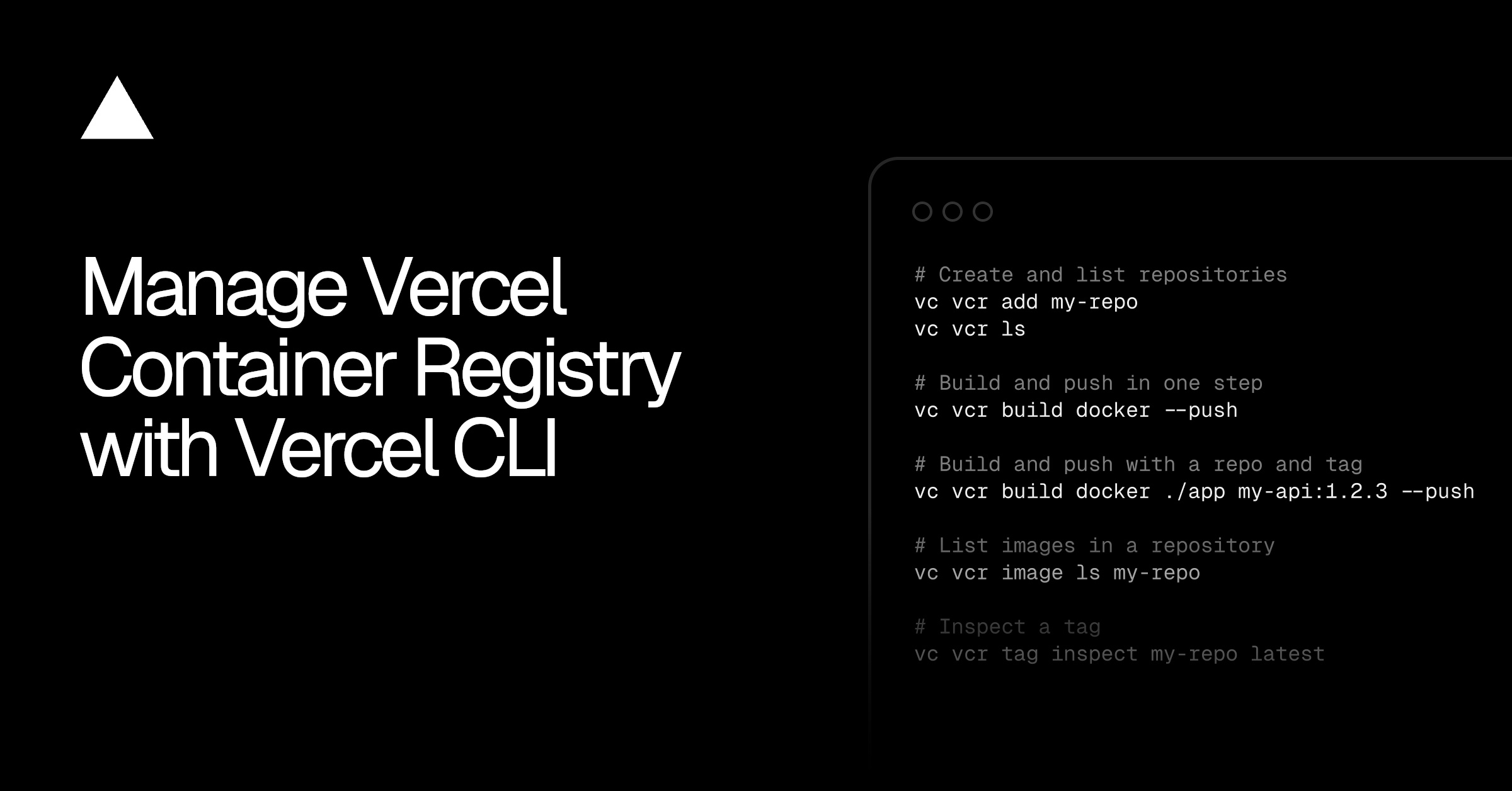
Vercel is bringing container registry operations into the terminal. Developers can now authenticate container tools, build and push images, and manage repositories through a new vercel vcr command group, reducing the need to switch between command-line workflows and a web interface.
The company announced the update on August 20. It expands the Vercel CLI into an operational interface for Vercel Container Registry, covering common tasks such as creating repositories and inspecting images or tags.
For small development teams, the practical benefit is consistency. Existing container tools can continue handling builds and pushes, while Vercel supplies project-scoped authentication and registry management around them.
What the New CLI Commands Handle
The command group starts with vercel vcr. According to Vercel, it supports three broad workflows:
- Connecting existing container tooling to the registry
- Building and pushing an image in one step
- Creating and inspecting repositories, images and tags
Authentication is designed to work with Docker, Podman and Buildah. Running a command such as the following authenticates Docker with Vercel Container Registry:
vercel vcr login docker
Vercel issues a short-lived token scoped to the current project, then passes the credentials to the selected container tool. That detail matters because it lets developers keep using familiar commands rather than adopting a proprietary build format.
Once authenticated, a team can build the current directory and push the resulting image with one command:
vercel vcr build docker --push
The command also accepts a build directory, repository and tag. For example, Vercel shows a workflow that builds an application from ./app, assigns it to my-api with the version tag 1.2.3, and pushes it immediately:
vercel vcr build docker ./app my-api:1.2.3 --push
Developers are not required to use Vercel's combined build command for every operation. Because the credentials are installed in Docker itself, standard commands remain available:
docker push vcr.vercel.com/my-team/my-project/my-repository:latest
That interoperability should make the feature easier to add to existing local scripts and CI/CD processes. A team can use the Vercel CLI to establish access, then rely on the container commands it already knows.
Why It Matters for Smaller Teams
Container registries introduce a layer of infrastructure that must be authenticated, organized and maintained. Even when the underlying container workflow is straightforward, developers often move among cloud dashboards, credential settings and local tools to publish an image.
The new CLI support concentrates more of that work in one place. Repository creation, image inspection and tag management can sit alongside authentication, building and pushing. Short-lived, project-scoped credentials also avoid treating a long-lived registry password as the default local workflow, although Vercel's announcement does not describe token duration or detailed permission controls.
This is also part of a wider effort to make the terminal a fuller control surface for the platform. On the same date, Vercel introduced CLI commands to list, inspect, reply to and resolve review feedback, as covered in Manage Vercel Toolbar Comments From the CLI Brings Reviews Into Terminals. Together, the releases suggest Vercel wants more deployment and collaboration tasks to happen without leaving developer workflows.
There are limits to what can be concluded from the brief changelog. Vercel has not provided plan requirements or separate pricing information in the announcement. It also does not detail registry limits, retention policies or how the CLI behaves in automated environments. Teams evaluating the feature should consult the Vercel Container Registry documentation and Vercel CLI documentation for implementation specifics.
Frequently asked questions
What is Vercel Container Registry?
Vercel Container Registry is Vercel's service for storing and organizing container images associated with projects. Its repositories, images and tags can now be created or inspected through the Vercel CLI.
Which container tools work with the new CLI commands?
Vercel specifically lists Docker, Podman and Buildah. The CLI authenticates the selected tool with a short-lived token scoped to the project, after which standard container commands can push images to the registry.
Is Vercel Container Registry CLI management available now?
Yes. Vercel's August 20 announcement says users can now manage the registry with the vercel vcr command group. The changelog does not specify plan requirements or separate pricing for the capability.
Sources
1 checkedHow we cover tool news: Create With's tool desk drafts these reports with AI from the sources listed above and checks them against those sources before publishing.






 Stripe
 Supabase