 Granola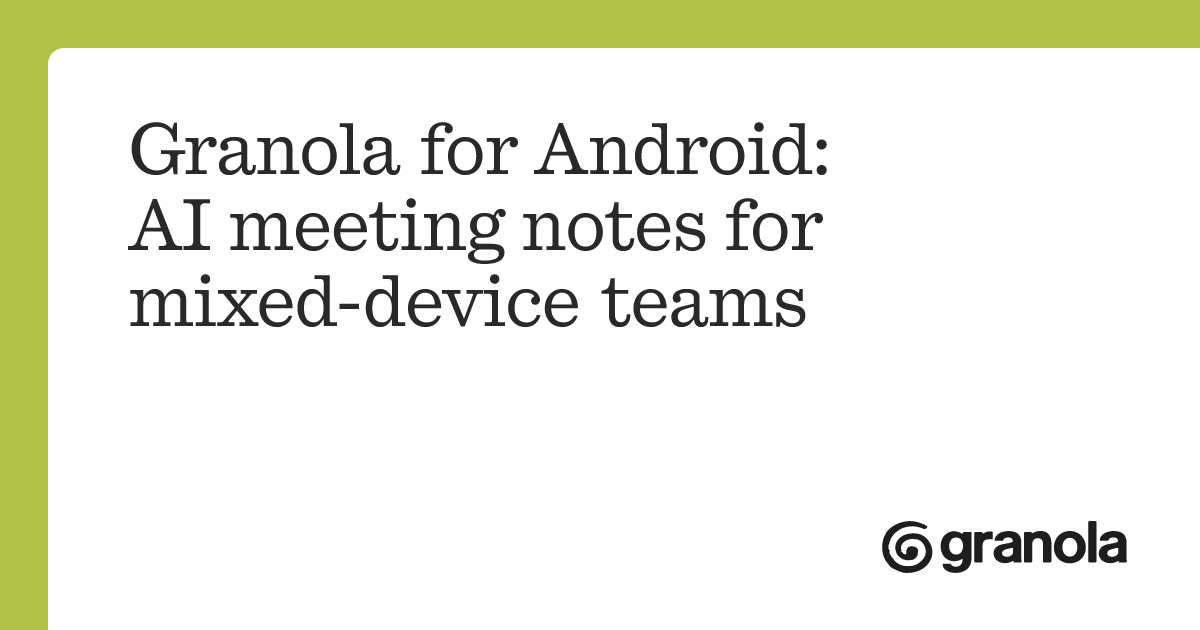
Granola for Android lets people capture in-person conversations on an Android phone, then open and query the resulting notes on other devices. The app launched on 1 July 2026.
According to Granola’s blog post, notes sync across Android, iOS, macOS and Windows once transcription and summarisation are complete. A conversation recorded on a phone can be queried from a desktop or laptop later the same day.
Granola for Android Captures In-Person Conversations
The Android app uses the same rough-note-plus-AI workflow as Granola on other platforms. Start recording, then write short prompts such as “key decision” or “follow-up needed” while the conversation continues in the background.
Granola uses the transcript to add supporting detail after the meeting. The notes you typed appear in black, while AI additions appear in grey. This keeps the original notes visually separate from the generated material.
- 1
Start the conversation
open Granola on Android and tap start
- 2
Jot rough notes
capture short phrases about decisions or follow-ups
- 3
Wait for processing
Granola transcribes and summarises the conversation
- 4
Continue elsewhere
open and query the synced notes on another device
The Android release is focused on interviews and other in-person meetings. It does not capture mobile phone calls. That feature remains available on iOS only.
Video Calls Still Run Through the Desktop App
Video call transcription requires Granola’s desktop app on macOS or Windows. The desktop app records device audio, so it can work with different video call platforms without relying on an Android app integration.
The split between apps is based on the type of conversation being recorded. Android handles meetings taking place in the room. iOS can also capture phone calls. macOS and Windows handle video calls and other computer audio.
Once synced, Android notes sit alongside notes captured on other supported devices. Teams can also organise shared meeting material using Granola Team Folders.
Frequently asked questions
What is Granola for Android? Granola for Android is a mobile app for recording and transcribing in-person conversations while you write rough notes. It enhances those notes with transcript context and syncs them across supported devices.
When did Granola for Android become available? The Android app launched on 1 July 2026. It supports note syncing with iOS, macOS and Windows.
Which Granola plan includes the Android app? Pricing and plan availability were not stated. The announcement confirms that the app is available for capturing in-person conversations on Android.
Sources
3 checkedHow we cover tool news: Create With's tool desk drafts these reports with AI from the sources listed above and checks them against those sources before publishing.



 ElevenLabs
 Notion