 Canva
Canva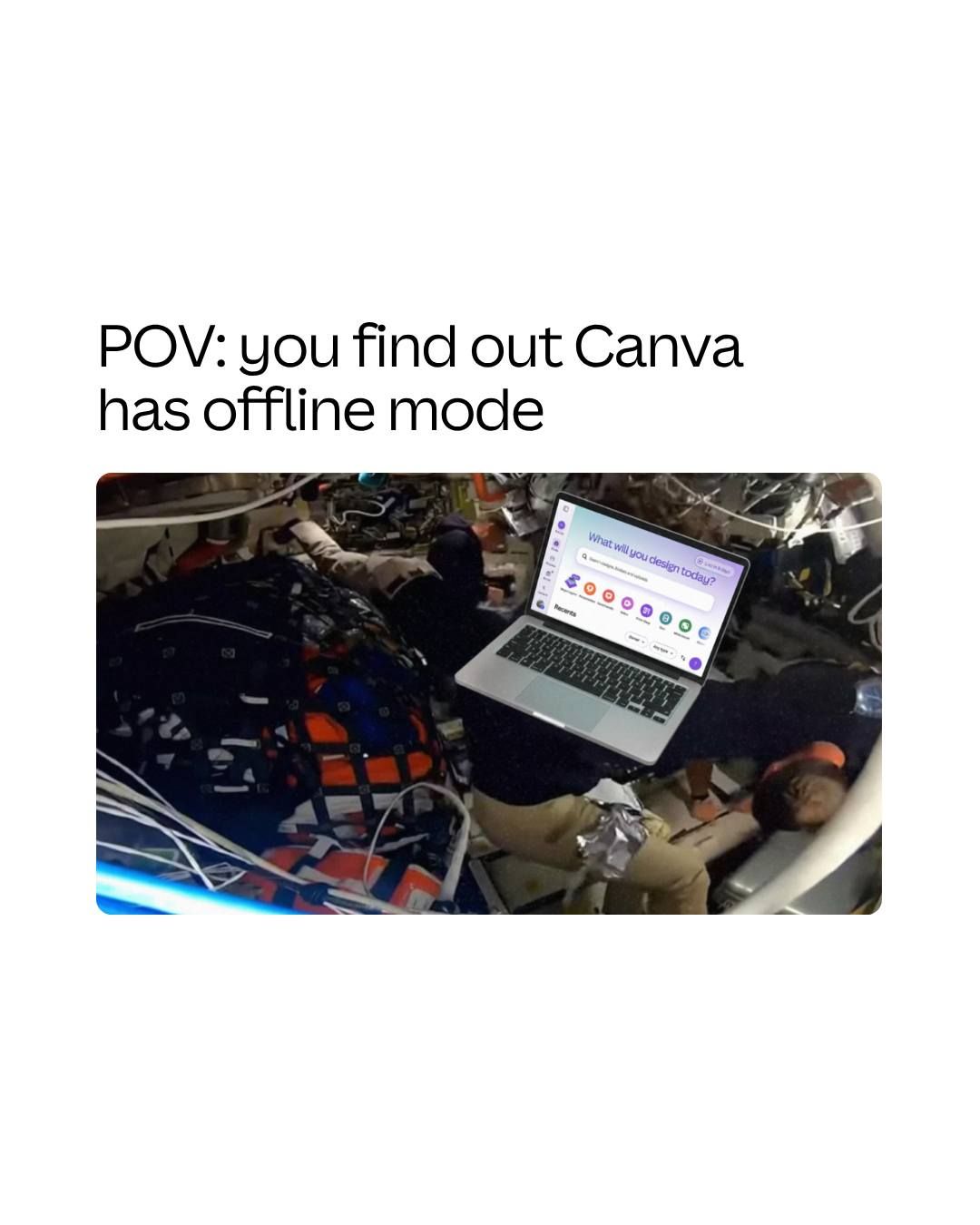
Canva has officially acknowledged its offline editing capability after weeks of enforced silence, according to a recent LinkedIn post from the company. The design platform noted it "wanted to post this weeks ago" but was "sworn to secrecy" about the feature.
The announcement marks a significant shift for Canva, which has operated primarily as a cloud-based platform since its launch. While the company provided minimal details in the post, the confirmation addresses a long-standing pain point for users working in areas with unreliable internet connectivity or those seeking to work on flights and in remote locations.
A Strategic Shift for Cloud-First Design
Offline editing represents a fundamental architectural change for Canva. The platform has historically required an internet connection to access its extensive library of templates, fonts, and design elements. Implementing offline functionality requires local caching of assets, offline rendering capabilities, and robust sync protocols to prevent data conflicts when users reconnect.
The extended confidentiality period suggests Canva may have been coordinating the launch with partners or ensuring the feature met internal quality standards before public disclosure. Enterprise customers, in particular, have requested offline access for years, especially those working in regulated industries or secure environments with limited internet access.
This development follows Canva's unveiling of AI 2.0 with editable layer magic and offline editing, indicating the company has been methodically building toward a more robust offline experience.
What Offline Means for Canva Users
The practical implications for Canva's 200 million user base are substantial. Small business owners traveling for client meetings can now finalize presentations without hunting for Wi-Fi. Content creators can work on social media graphics during commutes. Educators in areas with limited connectivity gain access to professional design tools previously out of reach.
However, questions remain about the scope of offline functionality. Users will want to know which features work without internet, how much storage space is required for cached assets, and how the platform handles collaboration when team members are working offline simultaneously.
Competitors like Figma have faced similar challenges implementing offline modes while maintaining real-time collaboration features. Canva's approach will likely determine whether offline editing becomes a seamless extension of the platform or a separate, limited mode.
The company has not yet published technical documentation or a formal announcement on its blog or changelog. Users seeking more information have been directed to contact Canva support, suggesting a controlled rollout may be underway before broader availability.
For a platform that has aggressively expanded its AI capabilities, including recent integration with Perplexity, offline editing represents a return to fundamental infrastructure improvements that directly impact daily workflows. Whether this signals a broader focus on reliability and accessibility over flashy features remains to be seen.
Sources
1 checkedHow we cover tool news: Create With's tool desk drafts these reports with AI from the sources listed above and checks them against those sources before publishing.




 ElevenLabs
 Glide
Glide
 Stripe