 Claude
 ChatGPT
 Momen
Momen Supabase
 OpenClaw
01 / 03
On Your Radar
Here are some of the sessions at Create With we're looking forward to the most 🔥
Keynote: AI Builder Insights in 2026
🕙 10:00 BST · Main Stage · JJ Englert (Tenex)
JJ Englert is going to bring his unparalleled experience in cutting edge AI and no-code implementation to give us the insights nobody else has.
Breaking the Laws of Physics with Claude Code
🕙 10:45 BST · Main Stage · Stephany Oliveros, CEO & Co-founder @ Lyra AI
A live look inside a real AI command centre: 60+ skills, 12 specialised agents, and a /swarm system running multiple workstreams at once - No theory and no hype — just the actual architecture running a company.
The Rise of the AI-Native Solopreneur
🕧 12:15 BST · Main Stage · Effie Bersoux, CEO @ GrowthGirls
A real GrowthGirls case study on solo founders shipping products and automating operations with zero traditional coding. Data, real examples, and live workflows showing how one person now does what used to take a team.
How to Make Google AND ChatGPT Love Your Product
🕜 13:30 BST · Main Stage · Tanya Van Gastel, Founder @ RankingOnAI.com
The repeatable SEO + AI-visibility pipeline behind $1M in SaaS revenue. You'll leave with the exact content that gets cited in ChatGPT, the high-intent keywords worth chasing, and a playbook you can run the next morning.
From Writing Code to Business-Aligned Decisions
🕑 14:15 BST · Partner Stage · Oana May, Founder @ MOATCRAFT™ (ex-Meta)
FAANG-level "product sense" translated into practical thinking tools for engineers, from someone who's coached 500+ product leaders. The framework for deciding what to build before AI builds it for you.
Panel: The Opportunities for Non-Technical Builders in 2026
🕞 15:45 BST · Main Stage · Marie Martens (Tally), Laura Richards (Idea Junkies) & Yaokai Jiang (Momen)
A hopeful, practical send-off mapping where the real openings sit for non-technical builders — the careers and businesses now genuinely on the table, and how to seize them.
Workshops
🕙 ALL DAY · Workshop Rooms
Throughout the day there will be free in-depth workshops running on Claude Code, automating your business with Claude Cowork, vibe coding, automation 101, and building business apps with AI.
02 / 03
Deep Dive: Building Your Personal AI Command Centre
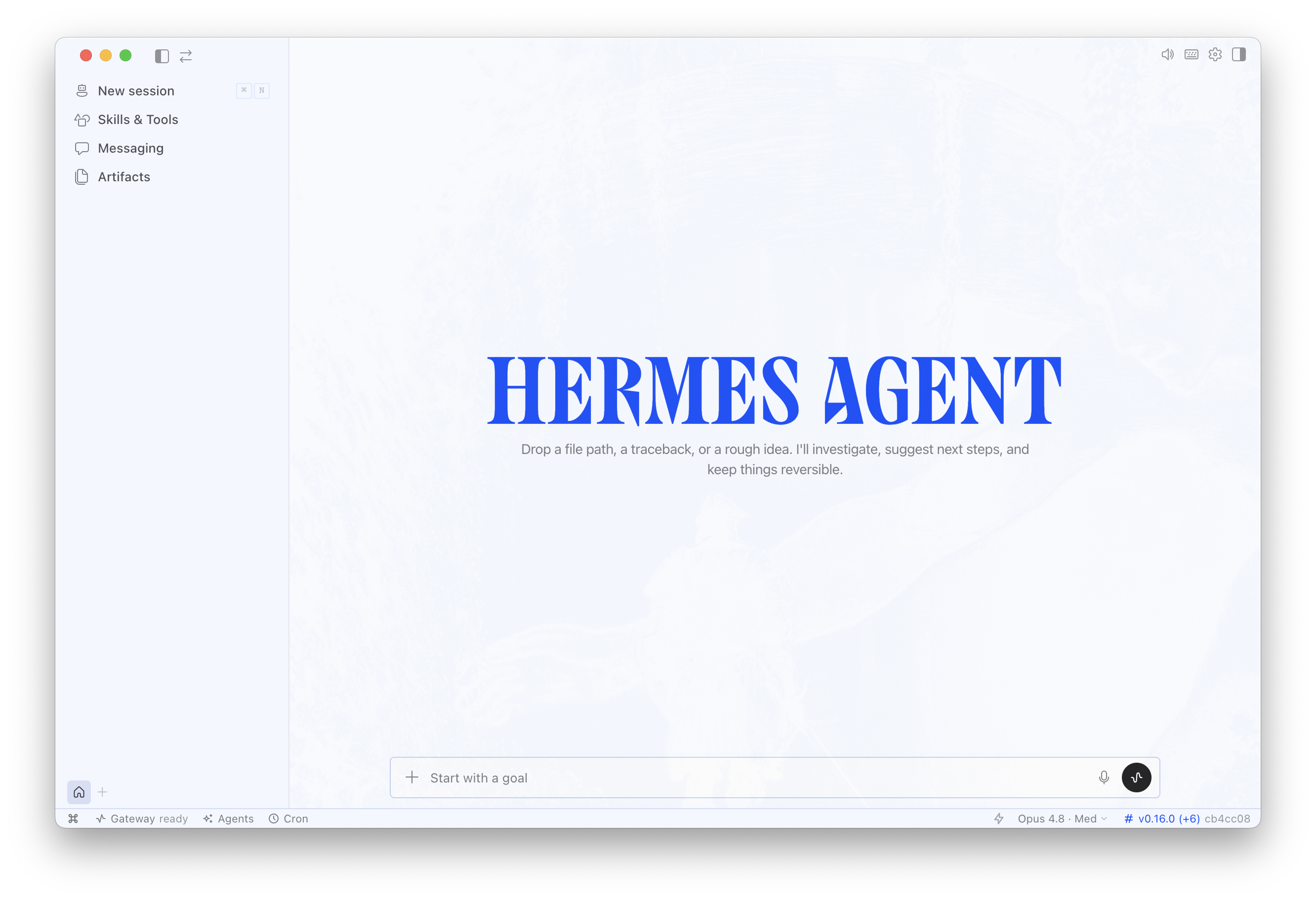
The problem was it was still a bit too technical for most people. You needed to use your terminal and get a virtual private server and connect to your Telegram and so on.
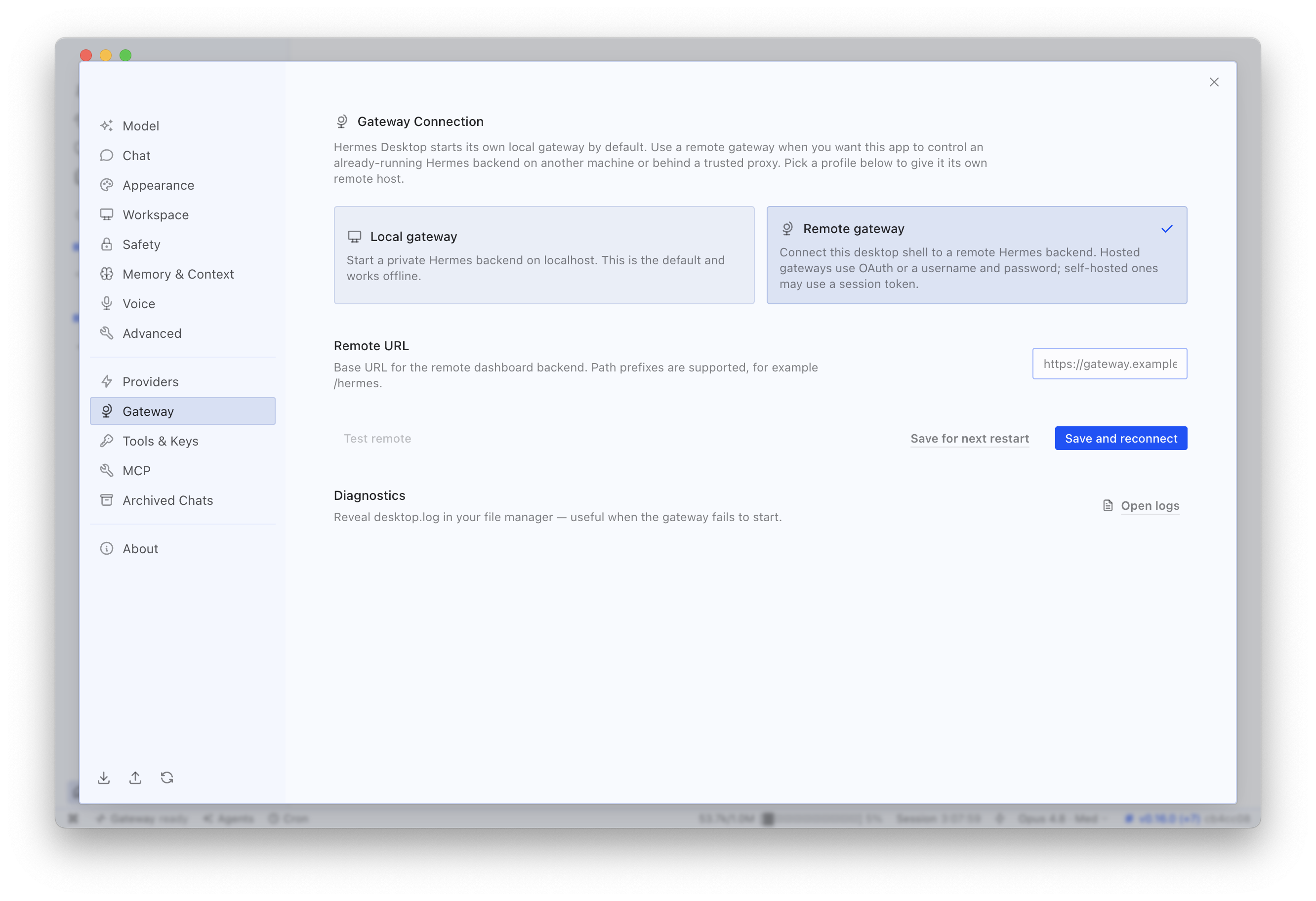
However, the team behind Hermes just changed the game completely by releasing a slick desktop app that makes the whole setup process simple.
This means that even the most terminal-phobic person can have their own autonomous agent running on their computer.
Hermes Desktop vs Claude Cowork
Claude Cowork probably has the most similarities with Hermes Desktop in terms of user experience, so here's the things Hermes Desktop can do that Claude can't.
-
Run non-Claude models - You can use any AI models you want, including OpenRouter.
-
Run models locally on your machine - It can work on locally installed open source models to take your AI cost to zero.
-
Be messaged from any chat app - Telegram, Signal, iMessage, WhatsApp are all integrated.
-
Maintain different personas for different tasks - These are like a team of agents with different skills and memories.
-
Run 24/7 in the cloud - You can host your Hermes on a VPS in the cloud, meaning it can run 24/7 without your laptop needing to be open (although it won't be able to access any files on your laptop).
-
Self-improving skills - Hermes is known for its ability to create its own skills and then improve them over time.
-
Own and customise the entire stack - Hermes has a lot more flexibility in the technology it uses than Cowork.
How to set it up
-
Go to the Hermes website download page.
-
Click the download button to download the installer. Then double-click the installer app to start installation.
-
It installs everything it needs.
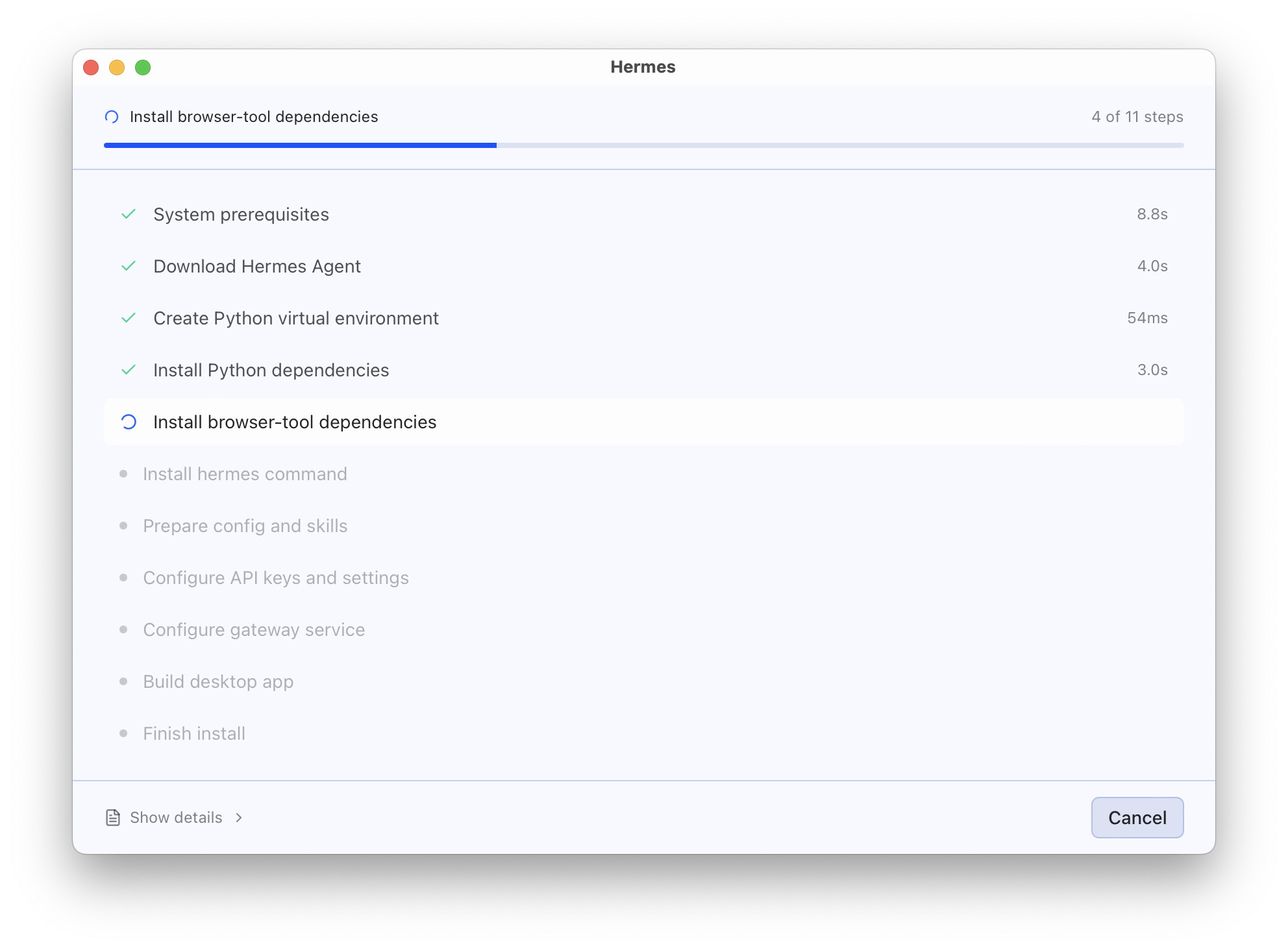
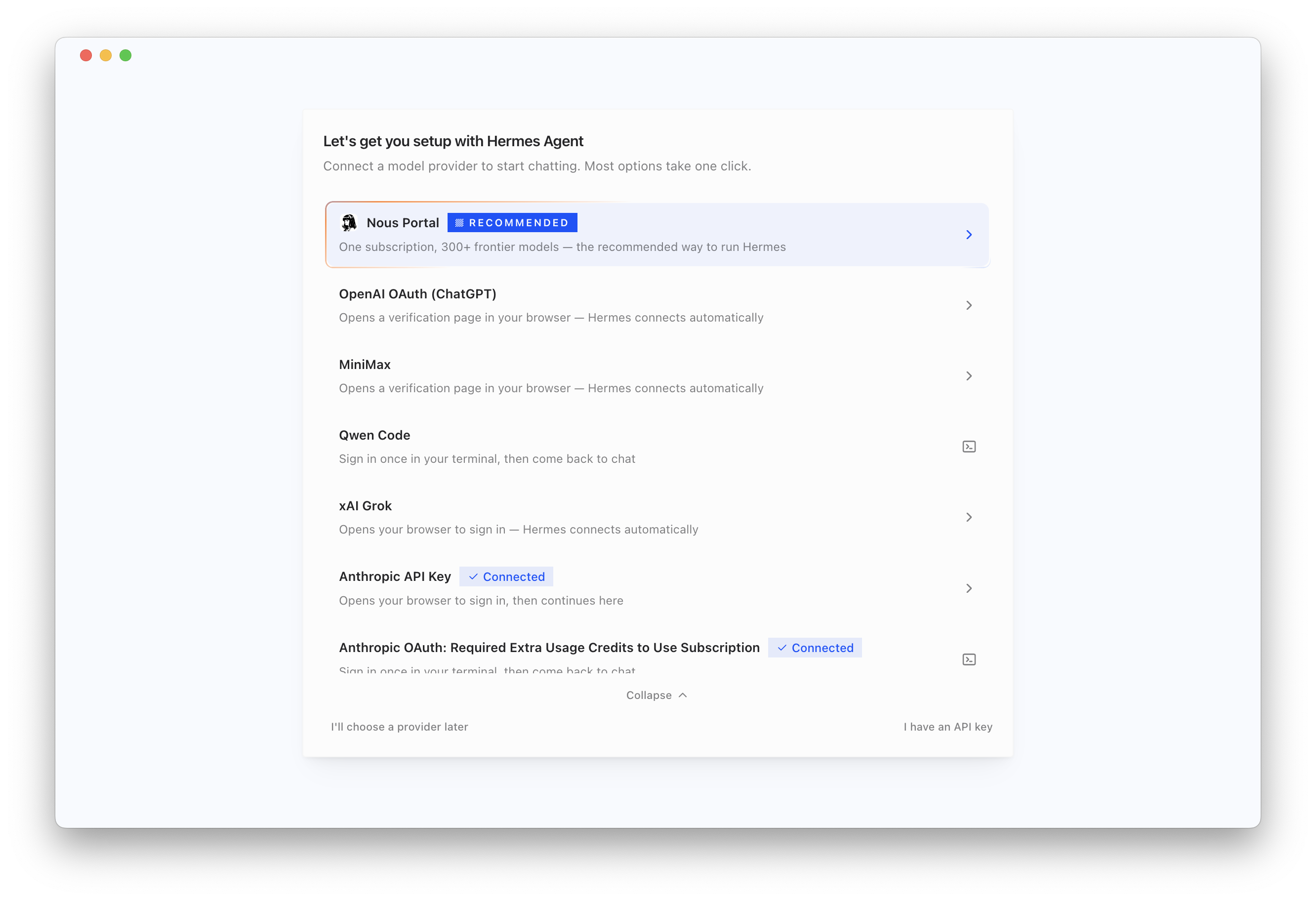
- Choose your AI model.
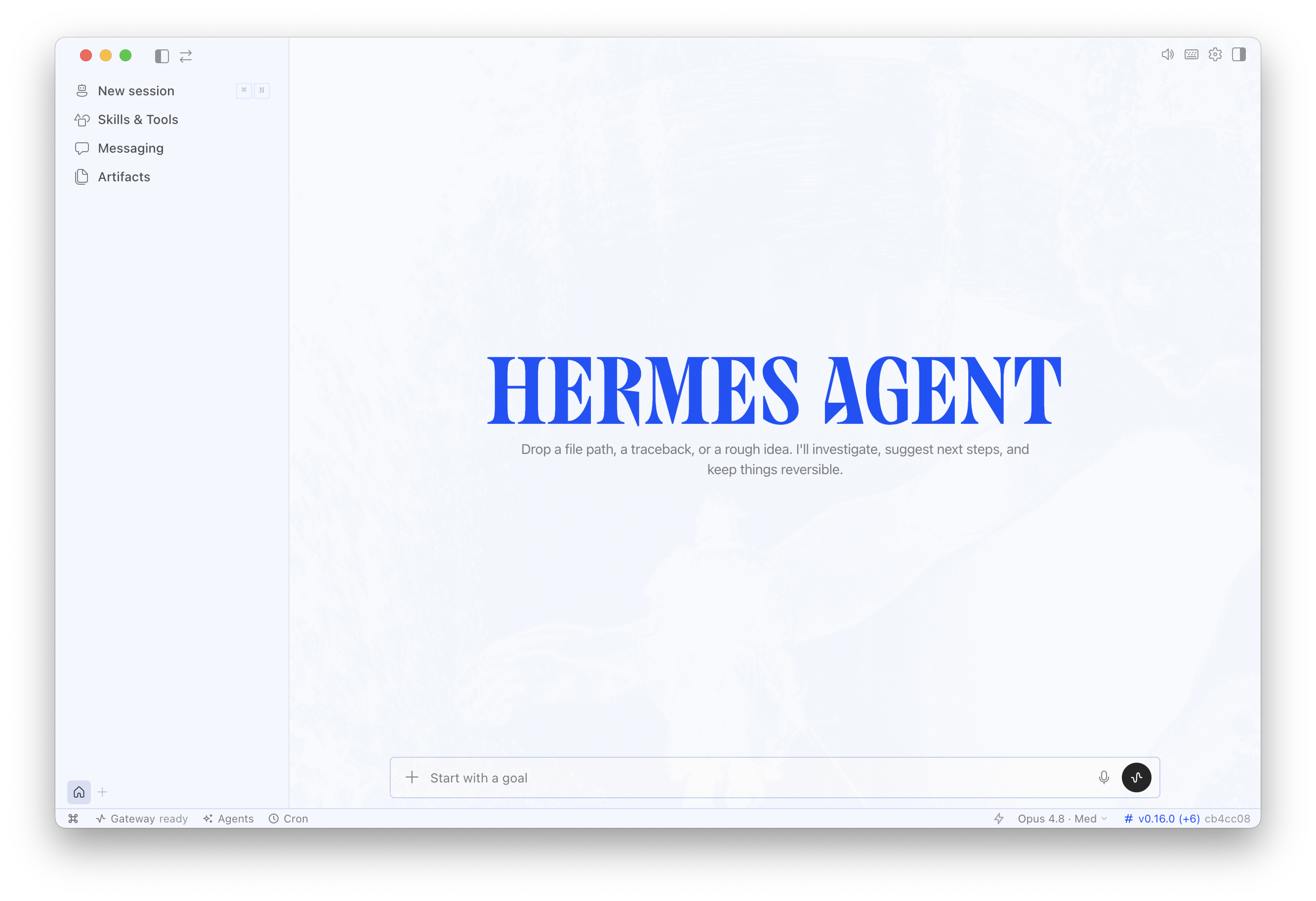
- You're ready to go!
Task-driven vs event-driven
The biggest similarity Hermes has with OpenClaw, and a major difference from Cowork, is that it's task-driven instead of event-driven.
In Cowork, even with scheduled tasks, you still need to define the work and the cadence in advance. Then the agent executes a bounded job and hands back a deliverable.
Hermes and OpenClaw are persistent autonomous agents. They have a standing process with their own event loop. They're constantly waking up, checking for tasks or other inputs, and deciding what to do. They can schedule new work for themselves or spin up sub-agents to handle it.
For example, if something changes at 3am and the agent notices at 3:01, you'll wake up with the work done. Cowork can't do that because it isn't there at 3am unless you've scheduled it to be.
This is why Hermes and OpenClaw are referred to as autonomous agents.
Other cool features
- Session management with folders and pinning — each conversation spins into its own isolated session, organisable into folders and pinnable, which is also the main cost lever.
- Artifacts panel as a second brain — links, images, and files sent to the agent are collected, organised, and made searchable in one place.
- Skills toggle UI — switch off any of the 150-plus installed skills to trim context and cost, and view the ones it auto-generated.
- Live context-window meter — a readout showing how full the current context is, so you know when to start a fresh session.
- Visual cron management — lists every scheduled job with confirmation it registered, plus manual creation, fixing the "routine silently never ran" problem.
- Sub-agent monitoring window — watch sub-agents spin up and work in parallel in real time.
- One-click messaging channel setup — add Telegram, Signal, or iMessage through the UI instead of the CLI.
- Tool sets — bundle related tools and skills into a single group so the right capabilities load together for complex tasks.

Kieran has been using Hermes Agent on a VPS for quite a while for some simple tasks, and finds it pretty reliable in its scheduled tasks, they keep running without any intervention. The desktop app is a genuinely easy-to-use way to get started without the need for setting up a VPS.
The real question is - what will you use it for? Autonomous agents are only really useful if you:
- Need something to react to external events immediately
- Have tasks that will take so long you need work going on when you're not there
- Monitoring things where you don't want to miss anything
If you don't need any of these, then you may as well stick with a regular human-triggered agent, and to be honest Kieran struggles to find things where it makes more sense to use Hermes than Claude Code.
Still, if you're curious to try, it's ridiculously easy to get started and definitely worth a dabble.
03 / 03
Final Thoughts
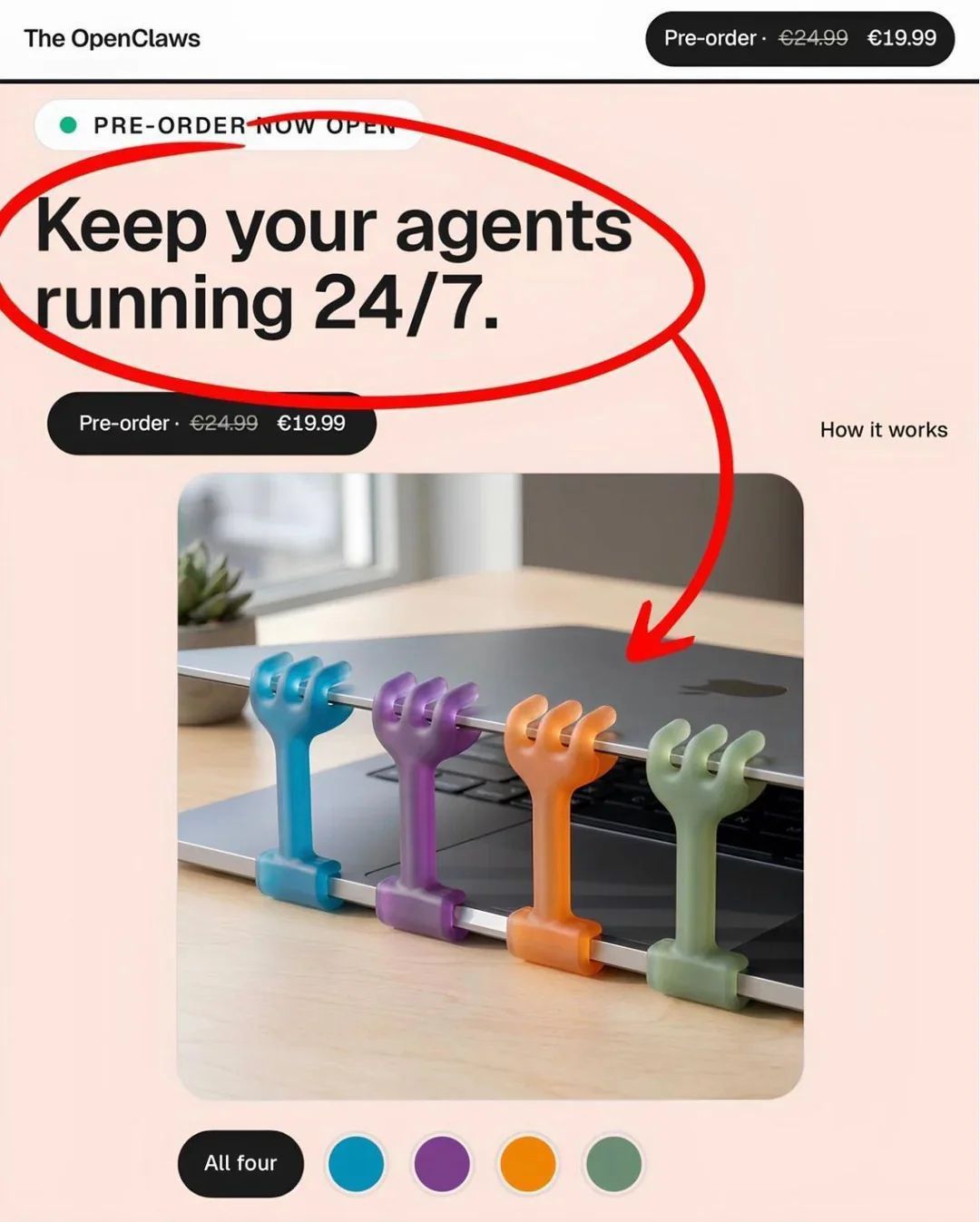
When your AI agents run on your laptop, you have to think of innovative ways to keep it awake.

Written by
Kieran Ball
Co-founder, Create With

Written by
James Devonport
Co-founder, Create With
The Create With Briefing
Get the next edition first.
Real-life use cases, the tool changes that matter, and the best events near you. Free, every Tuesday, to 8,600+ readers.