 Vercel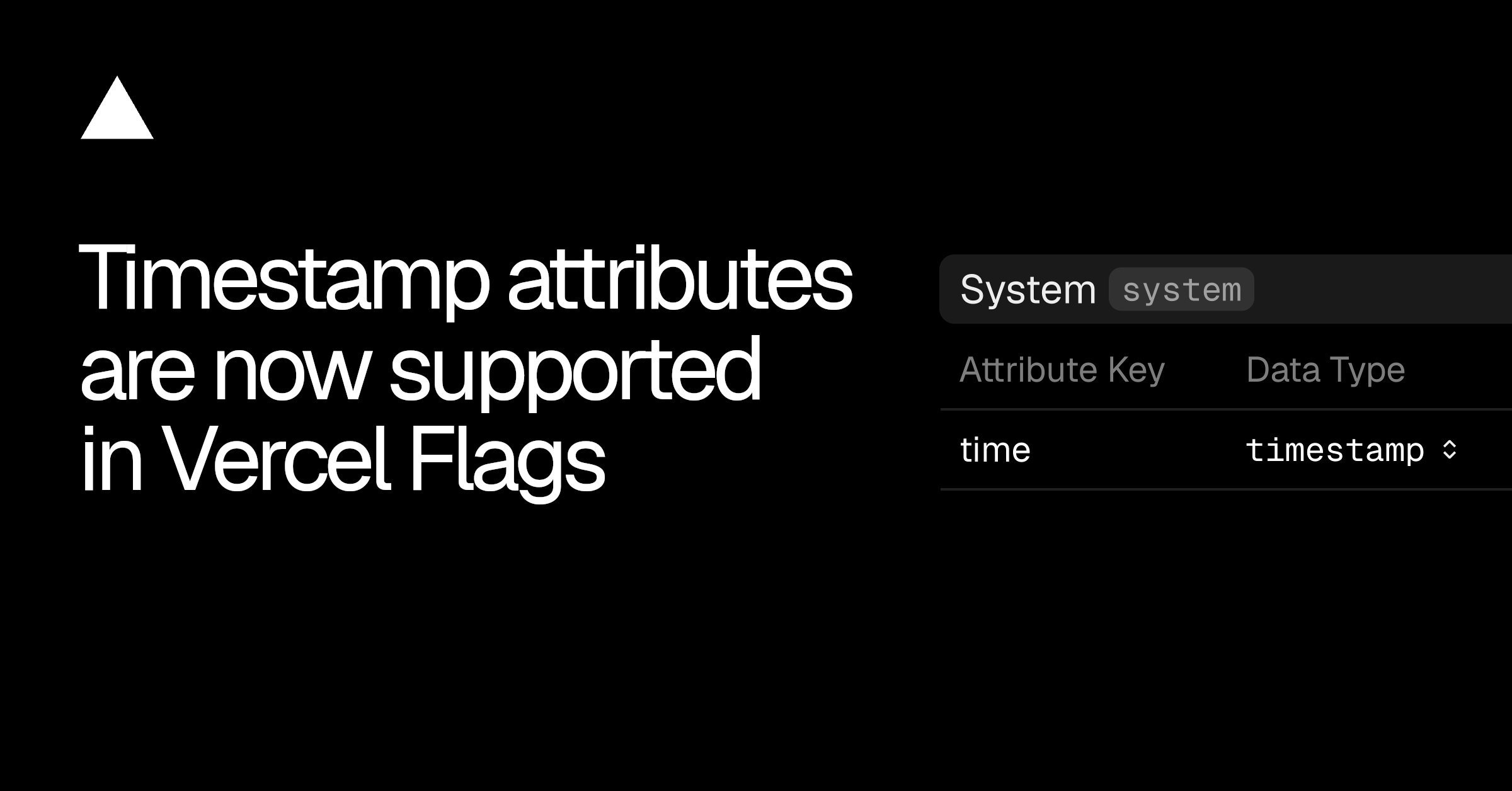
Vercel Flags now supports timestamp attributes, letting builders target entities using date and time values. A flag can show a campaign page between two dates, run a Black Friday promotion, or target users who registered before a chosen cutoff.
The Vercel changelog entry confirms that timestamp attributes can be configured through either the Vercel dashboard or its command-line interface.
Timestamp Attributes Add Date-Based Targeting
Timestamp attributes extend the data types available for entities in Vercel Flags. Once an entity has an attribute with the timestamp data type, that value can be used for date and time-based targeting.
| Scenario | Timestamp value | Targeting condition |
|---|---|---|
| Campaign page | Campaign dates | Show the page between two dates |
| Black Friday promotion | Promotion dates | Run the promotion during its scheduled period |
| Registration targeting | User registration date | Target users registered before a cutoff |
The campaign example supports a defined start and end date. The registration example uses a stored date associated with a user, then applies a cutoff to decide which users match the flag’s targeting rule.
This sits inside Vercel Flags, so the date condition becomes part of the feature flag configuration rather than a separate scheduling system. Flags can target entities according to the timestamp values attached to them.
How to Configure a Timestamp Attribute
In the Vercel dashboard, open Flags and select Entities. Create a new entity or open an existing one, then add an attribute and choose timestamp as its data type. The same type of configuration is also available through the CLI.
- 1
Open Flags
Go to the Flags area in the Vercel dashboard
- 2
Select Entities
Create an entity or choose an existing one
- 3
Add an attribute
Set its data type to timestamp
- 4
Configure targeting
Use the date or time value in the flag rule
The update supports both calendar dates and times, allowing targeting against a defined period or a single cutoff. The flag then evaluates the timestamp attribute as part of its entity targeting.
Frequently asked questions
What are timestamp attributes in Vercel Flags?
Timestamp attributes are date and time values added to entities in Vercel Flags. They let a flag target an entity according to a scheduled period or a date-based cutoff.
How do I configure timestamp attributes?
Open Flags in the Vercel dashboard, select Entities, and create or choose an entity. Add an attribute and set its data type to timestamp. Configuration is also supported through the CLI.
Which Vercel plan includes timestamp attributes?
The changelog does not name a plan or separate price. It documents configuration through the Vercel dashboard and CLI.
Sources
3 checkedHow we cover tool news: Create With's tool desk drafts these reports with AI from the sources listed above and checks them against those sources before publishing.




 ElevenLabs
 Granola

 Notion